30 BradyPrinter i5100
9 • Troubleshooting
Error Screen Navigation
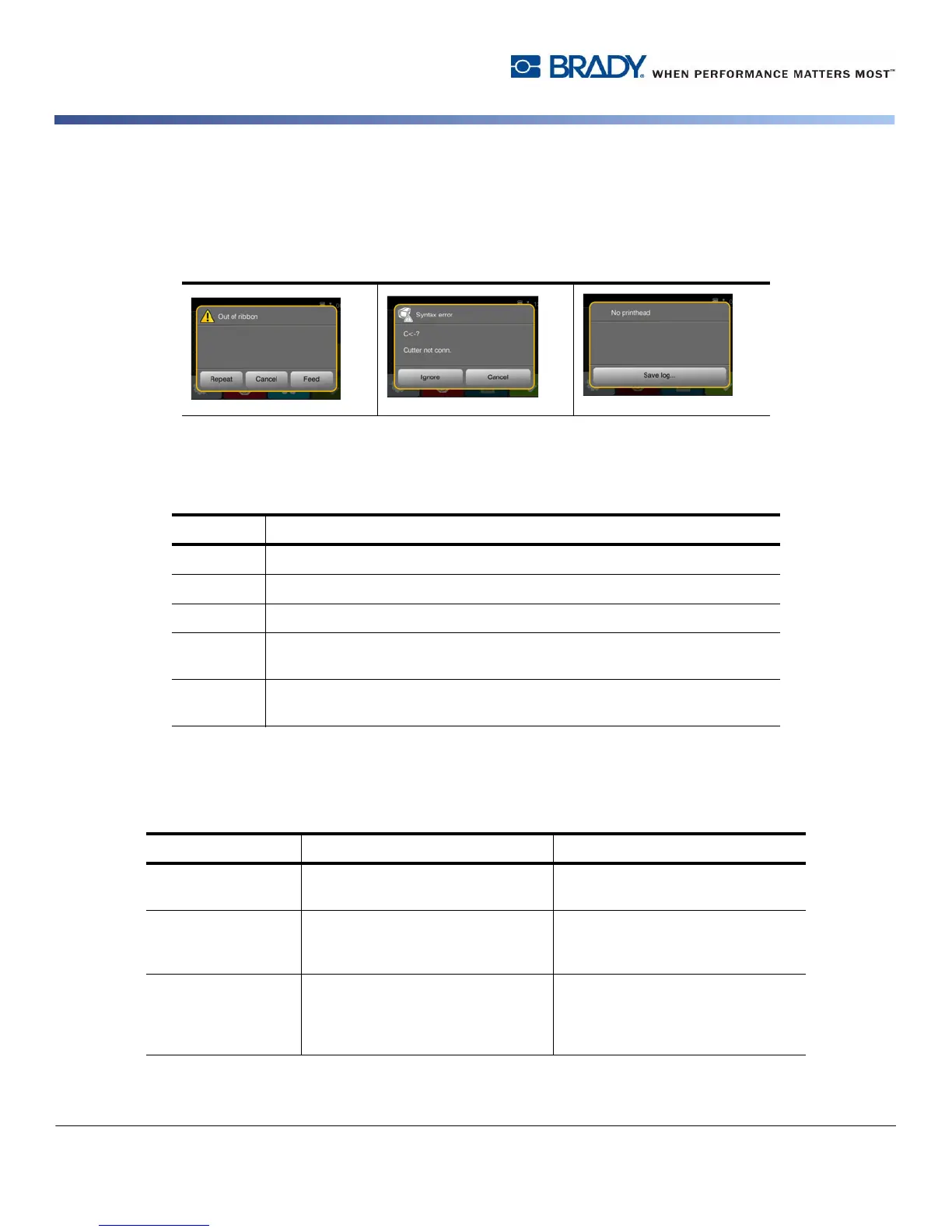
The appearance of an error will be shown on the display.
The error treatment is dependent on the error type, see “Error Messages List with Remedies” on page 30.
The display offers the following possibilities to continue after an error occurred:
Error Messages List with Remedies
Button Action
Repeat The print job will be continued after clearing the error cause.
Cancel The print job will be canceled.
Feed The paper feed will be synchronized. There after the print job can be continued.
Ignore The error message will be ignored. The print job will be continued possibly with
limited performance.
Save log The error does not allow print operation.
For detailed analysis several system files can be saved on an external memory.
Error Message Cause Corrective Action
ADC malfunction Possible hardware issue. Recycle power to the printer. If the
error does not clear, call service.
Barcode error Invalid barcode content, e.g. alphanu-
meric characters in a numerical bar-
code.
Correct the barcode content.
Press cancel key to return printer to
Ready mode.
Barcode too big The barcode is too big for the allo-
cated area of the label
Reduce the size of the barcode or
move it.
Press cancel key to return printer to
Ready mode.



 To Next Page