CHAP. 6 – PRELIMINARY OPERATION 26 / 26 ENGLISH
ags-200
6.5.1 GARAGE DATA ENTRY
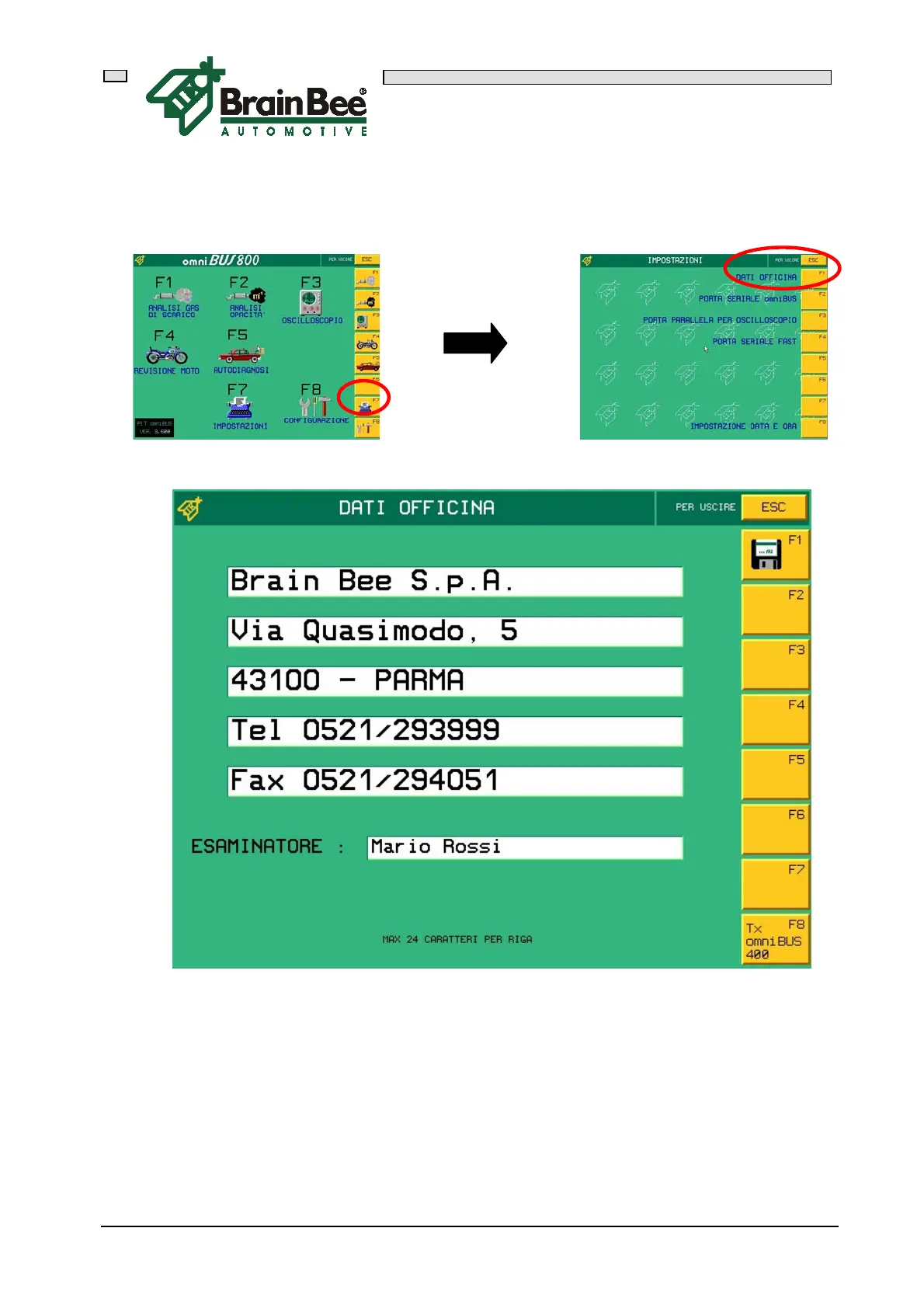
Press F7 "SET-UP" in the main menu and then press F1 "GARAGE DATA"
This mask allows you to enter the name and address of the garage where the
instruments are used, so that the information is printed on all the test reports.
Five lines of 24 characters each are available, plus a line where the test technician's
name can be written.
Press "ENTER" to move the cursor to the field to be edited.
Press F1 to memorize all the values.



 To Next Page