CHAP.7 – USE OF THE INSTRUMENT 42/ 42 ENGLISH
ags-200
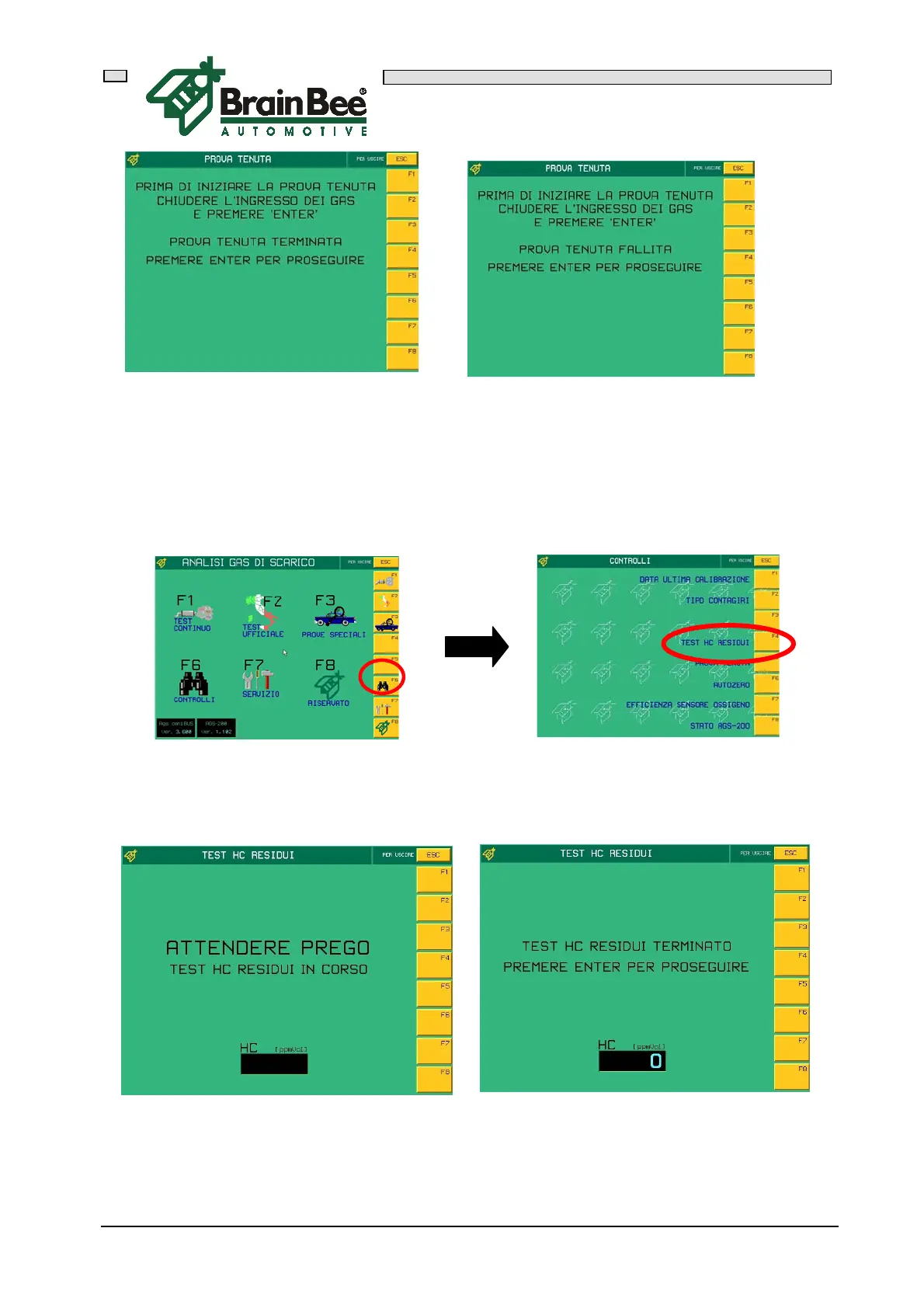
7.1.5 RESIDUE HC TEST
The residue HC test activates automatically during the official test or can be activated
by accessing the CONTROLS menu (F6) and then pressing F4.
The following mask with the message WAIT PLEASE will appear during the test. This
gives the analyzer sufficient time to carry out the "autozero" operation. After this, the
HC value measured will be displayed in the window.



 To Next Page