ENGLISH 27 / 27CHAP. 6 – PRELIMINARY OPERATION
gs-200
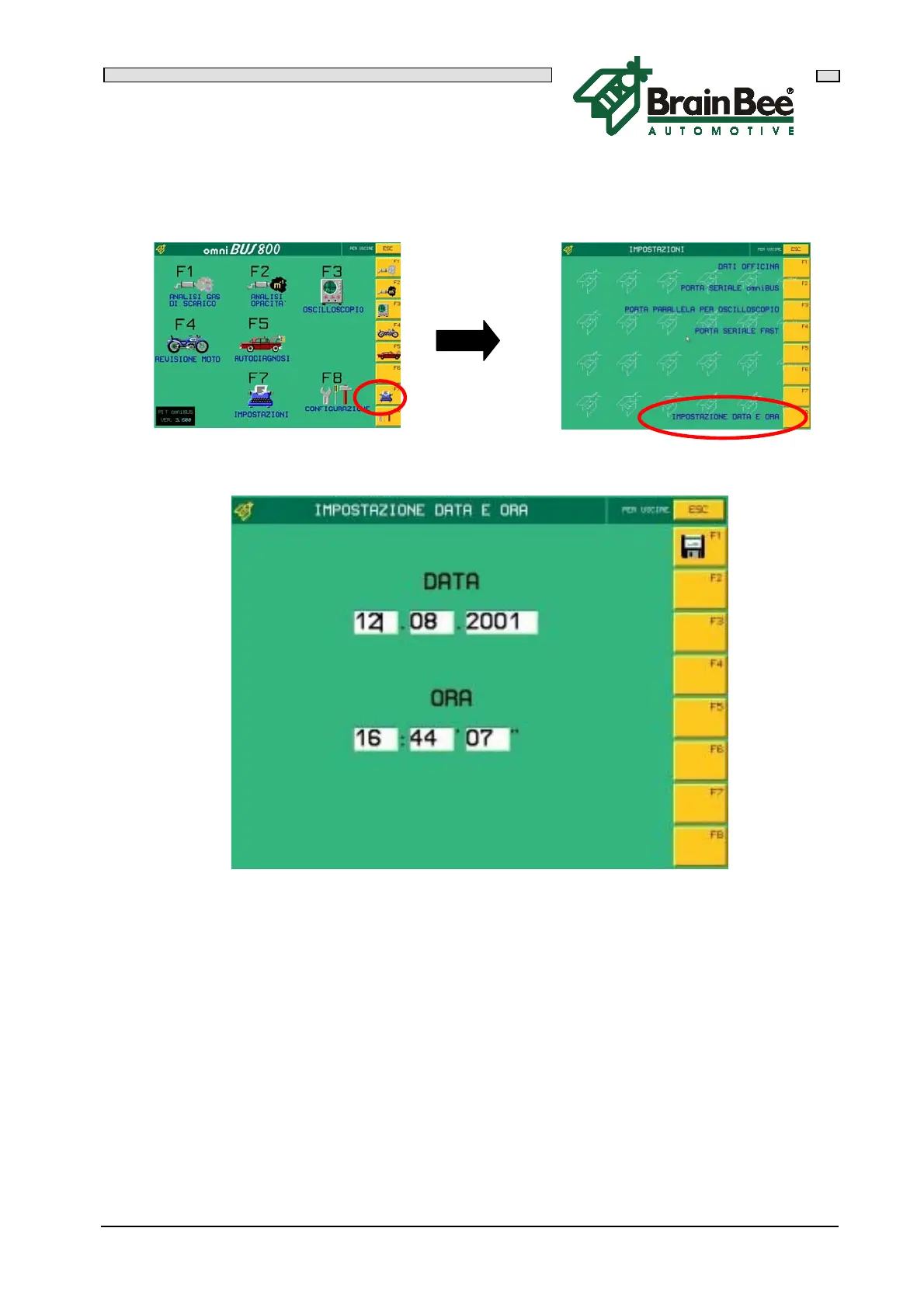
6.5.2 DATE AND TIME SETTING
Press F7 "SET-UPS" in the main menu and then press F8 "DATE AND TIME SET-UP"
This mask allows you to enter the date and time so that this information is automatically
printed when the instruments are used.
Press F1 to memorize all the values.
This data is only necessary if you have an OMNIBUS-500 or an OMNIBUS-500/S since
the program that runs in a Personal Computer uses the date and time of the system.



 To Next Page