100-214-239 Rev. A D-1
Appendix D
Digital Sonifier
APPENDIX D: Wyse-55 Settings
Wyse-55 Terminal Setup Parameters
The following setup is for the Wyse model WY -55 Terminal with the extended PC-style key-
board, availabl e as a kit from Bran so n us in g EDP # 20 0-1 03 -2 28.
All Wyse terminal Set-Up is done directly from the Wyse terminal’s PC-style keyboard, once it
is set up and plugged in. Ref er to the W yse terminal box for manufacturer’s instructions.
Programming the Wyse-55 Terminal
Before the Wyse-55 can be used with the Digital Sonifier, the communications protocol infor-
mation of the Wyse-55 terminal must be set to match it. Information on how to program the
Wyse terminal is included in the instruction sheet packed with each terminal.
The following parameters are displayed on the Wyse terminal during its setup. The options
listed in the following tables are important for correct operation. A very few are critical, and
they are highlighted below. Other parameters within the Wyse terminal should not be changed
from the values listed.
The printing capability of the Wyse terminal is not supported at this time.
Wyse-55 Terminal Parameters
Set the function-key parameters on the Wyse-55 terminal for correct operation with the Digital
Sonifier. Parameters that are highlighted in the following lists are important to its functioning
with the Digital Sonifier.
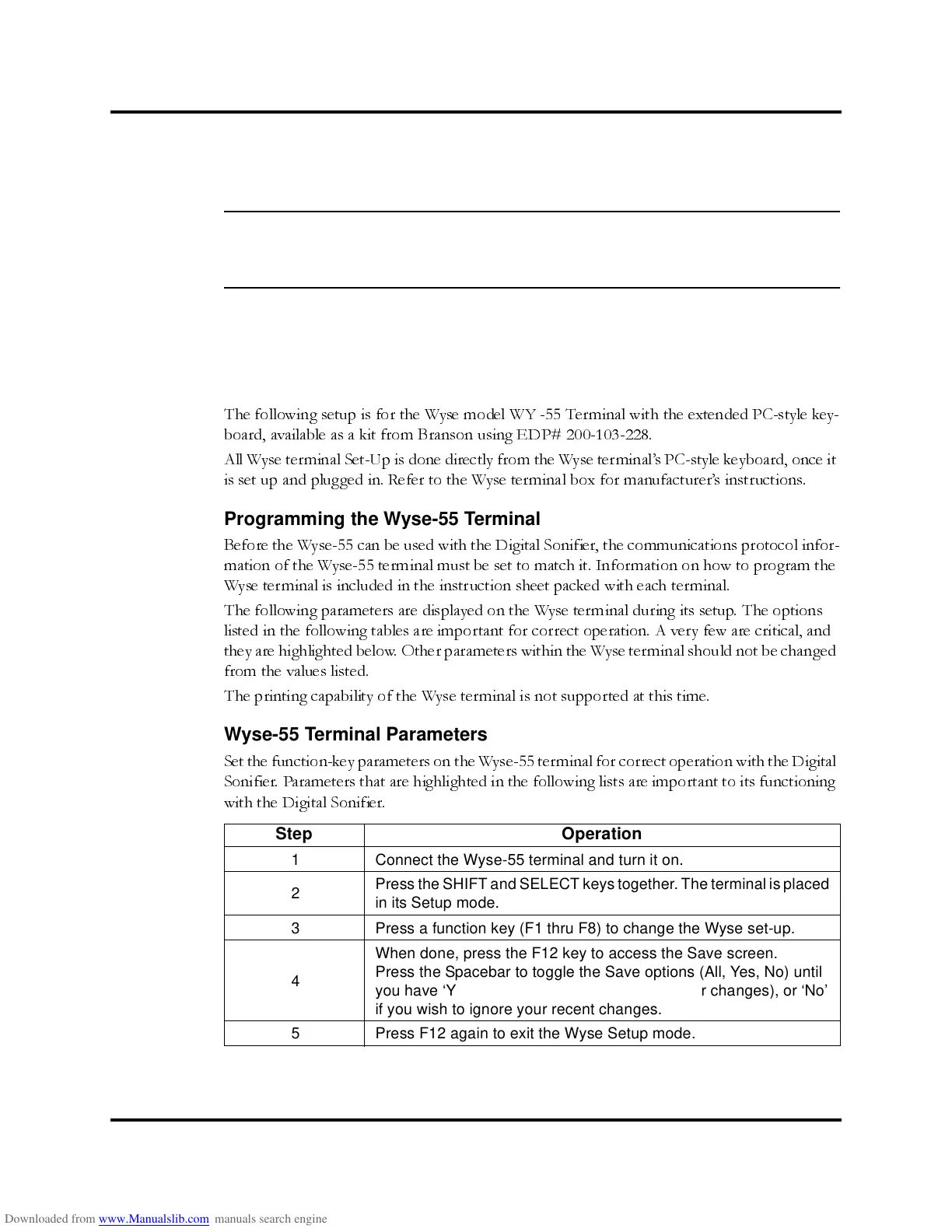
Step Operation
1 Connect the Wyse-55 terminal and turn it on.
2
Press the SHIFT and SELECT keys together.The terminalisplaced
in its Setup mode.
3 Press a function key (F1 thru F8) to change the Wyse set-up.
4
When done, press the F12 key to access the Save screen.
Press the Spacebar to toggle the Save options (All, Yes, No) until
you have ‘Yes’ showing (if you wish to save your changes), or ‘No’
if you wish to ignore your recent changes.
5 Press F12 again to exit the Wyse Setup mode.



 To Next Page