6-10 100-214-239 Rev. A
Operation
System Setup - Language
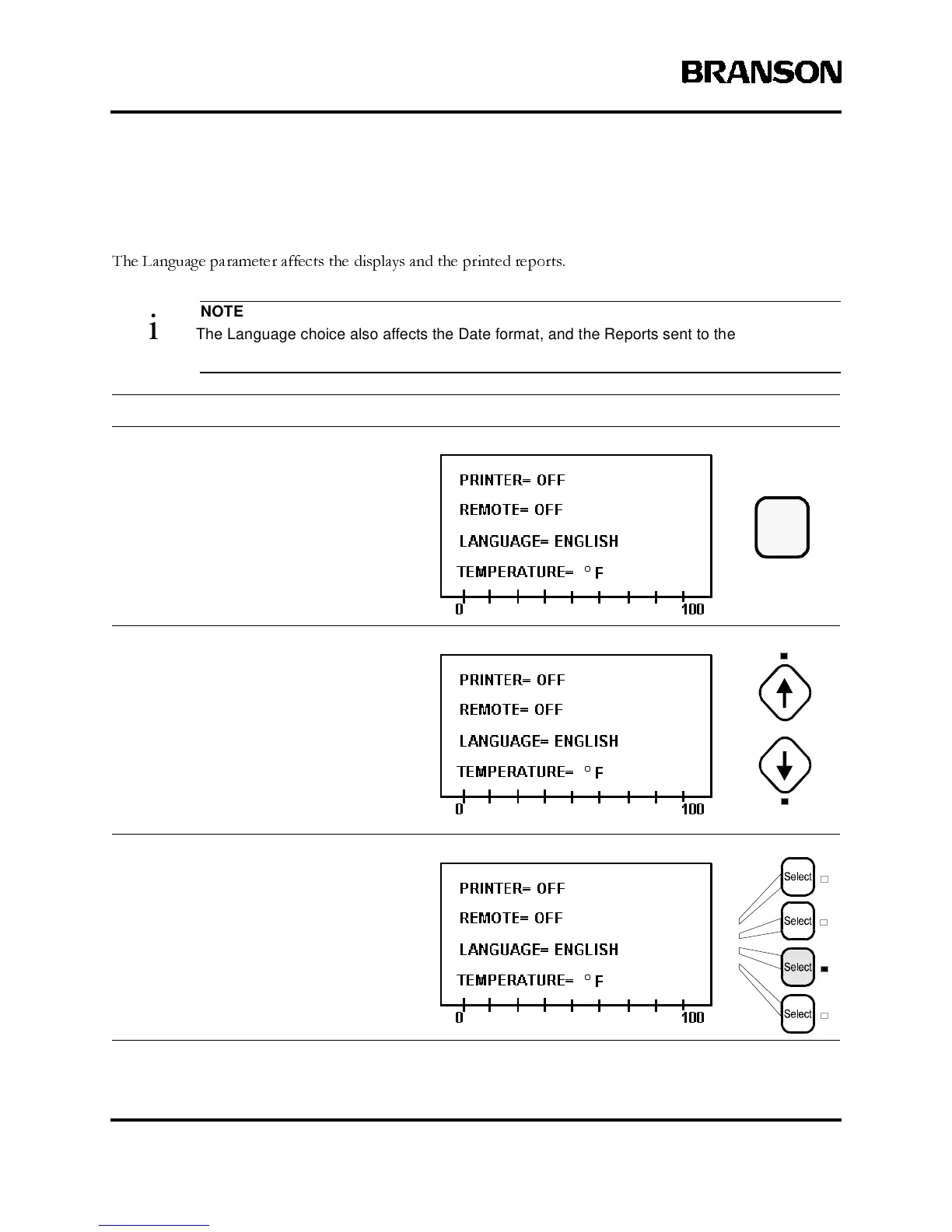
The Language parameter affects the displays and the printed reports.
NOTE
i The Language choice also affects the Date format, and the Reports sent to the Printer and/
or the Remote Terminal. See page 6-12 for additional information on Setting the Date.
Take this action… To get this result…
Press the Setup key to display the
System Setup menu. Its LED lights.
Use the Up and Down arrow keys, if
necessary, to display the line showing the
Language parameter.
PresstheLine Selectkey thatcorresponds
to Language.
Setup



 To Next Page