6-14 100-214-239 Rev. A
Operation
System Setup - Time of Day
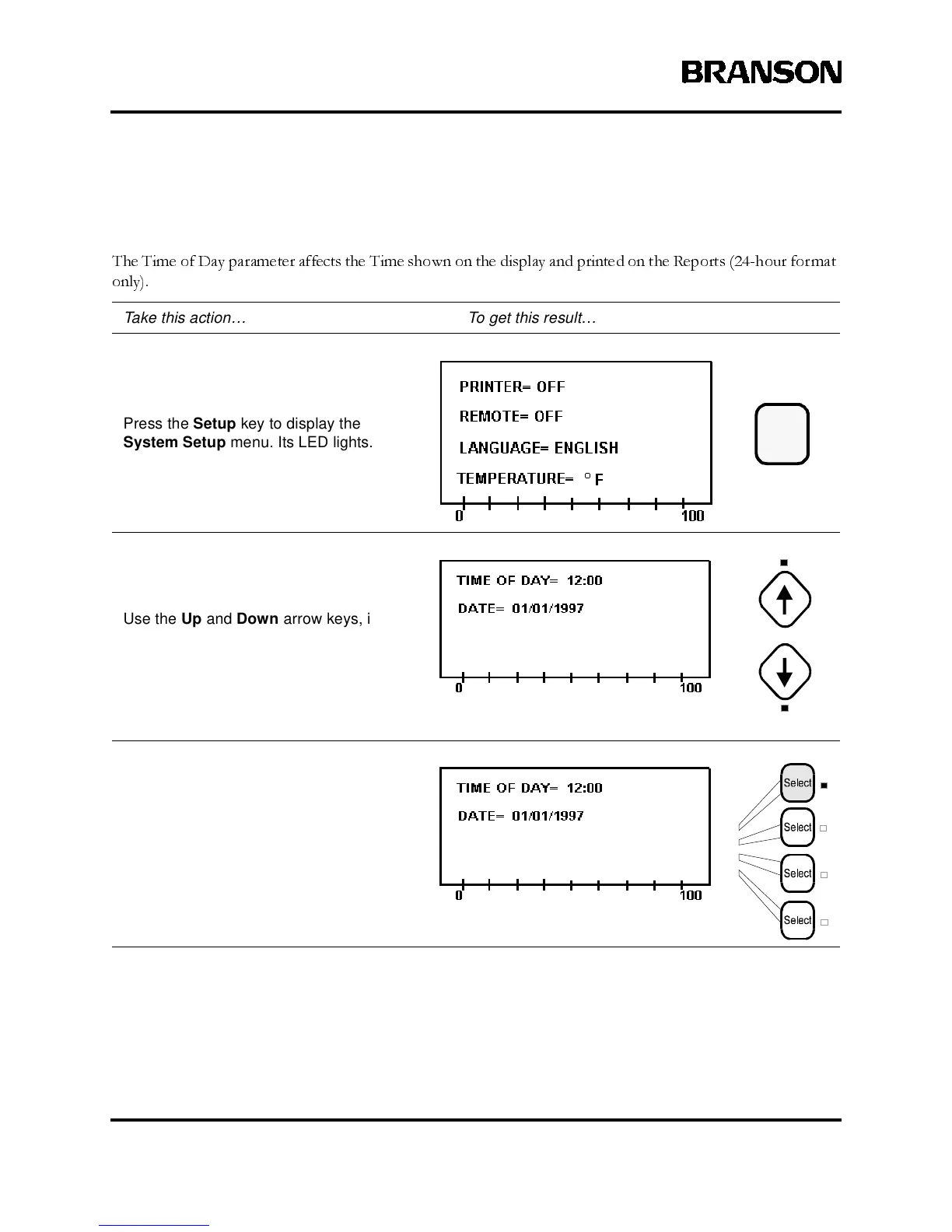
The Time of Day parameter affects the Time shown on the display and printed on the Reports (24-hour format
only).
Take this action… To get this result…
Press the Setup key to display the
System Setup menu. Its LED lights.
Use the Up and Down arrow keys, if
necessary, to display the line showing the
Time of Day parameter.
PresstheLine Selectkey thatcorresponds
to Time of Day.
Setup



 To Next Page