100-214-239 Rev. A 6-15
Entering System Setup Parameters
Digital Sonifier
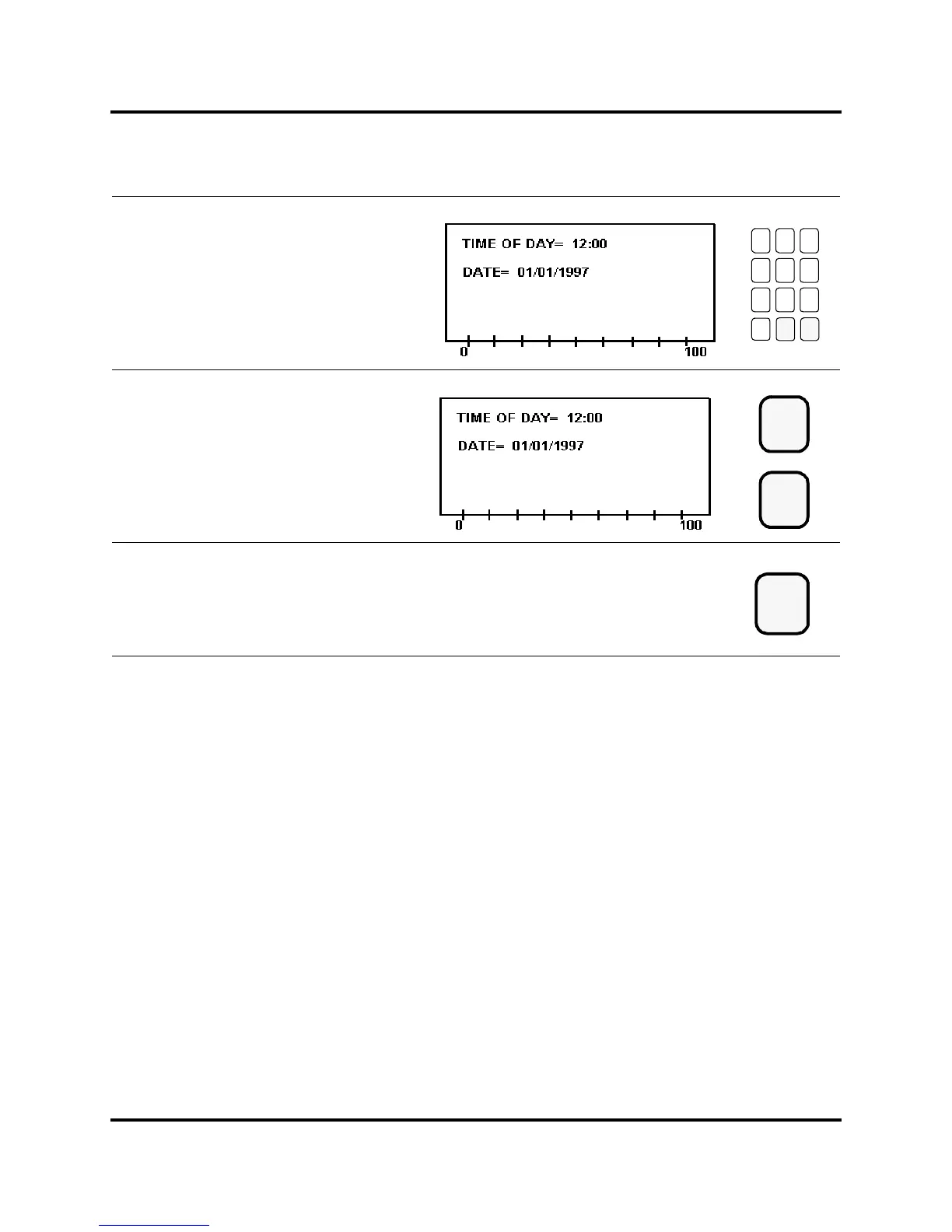
Use the numeric keys to enter the
current time, based on a 24-hour clock.
Press the Enter key to store the value
for Time of Day,orpresstheClear key to
re-enter the time.
Press the Setup key to exit the
System Setup menu. The Setup LED
extinguishes.
789
456
123
0
Clear
Enter
or
Setup



 To Next Page