6-44 100-214-239 Rev. A
Operation
6.9 Warning and Error Messages
When the system encounters an error condition, a message is displayed on the front panel of the Digital Sonifier
unit and on the remote computer or terminal if one is enabled. If the keypad is in lockout mode, messages will
appear only on the remote computer or terminal. The following table describes the possible error and warning
messages, the conditions that cause them, and the actions you should take when they are displayed.
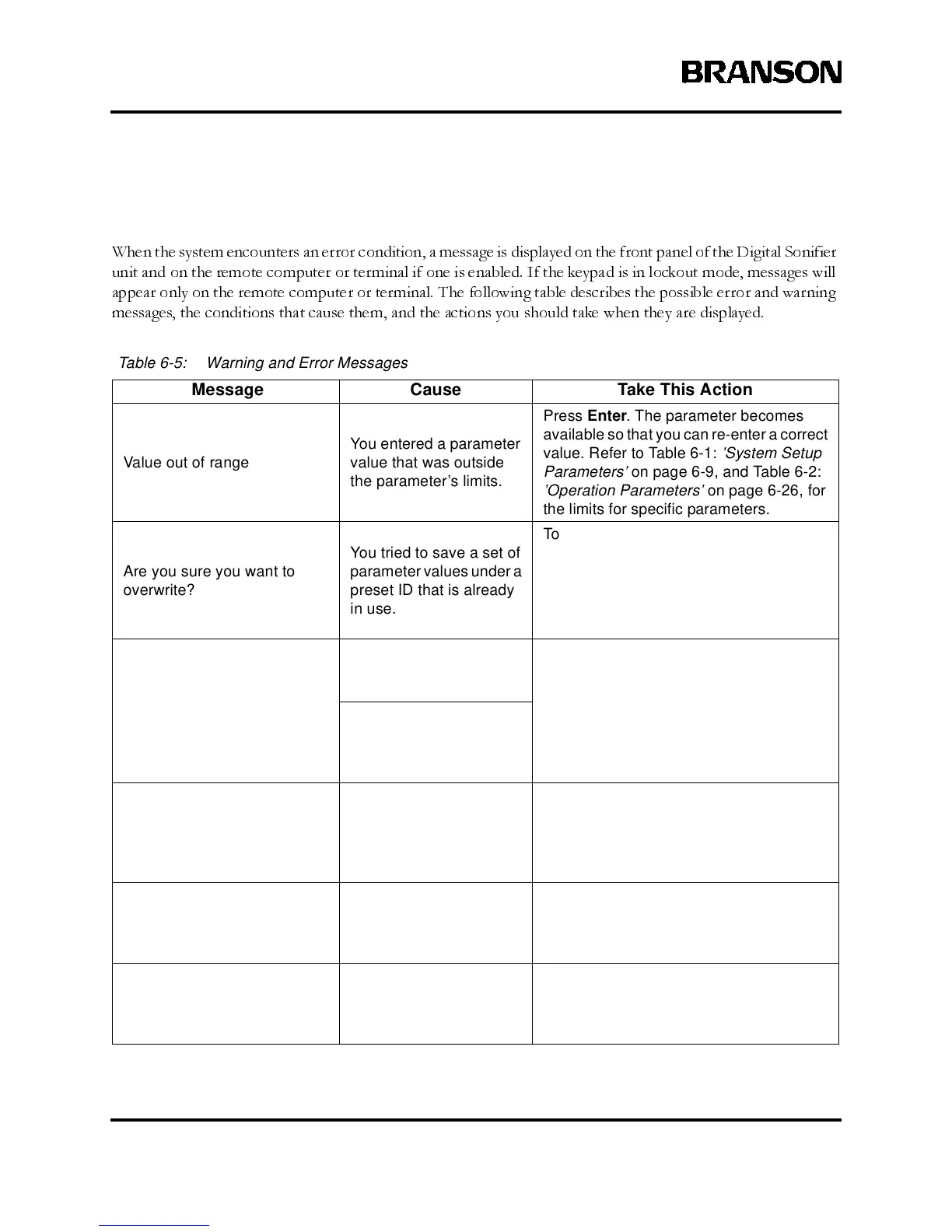
Table 6-5: Warning and Error Messages
Message Cause Take This Action
Value out of range
You entered a parameter
value that was outside
the parameter’s limits.
Press Enter. The parameter becomes
available so that you can re-enter a correct
value. Refer to Table 6-1: ’System Setup
Parameters’ on page 6-9, and Table 6-2:
’Operation Parameters’ on page 6-26, for
the limits for specific parameters.
Are you sure you want to
overwrite?
You tried to save a set of
parameter values under a
preset ID that is already
in use.
To overwrite the existing values in the Pre-
set ID, press Line Selector key #3. To
enter a different preset ID, press Line
Selector key #4. The previous screen is
displayed for you to enter a different pre-
set ID.
Printer error
Youissuedaprintcom-
mand, but there was no
response from the printer.
Check that the printer is correctly con-
nected and turned on. Check the Model
parameter to see that the correct printer
model has been set. Check that the Printer
parameter is set to On.
The system was turned
on with the ‘Printer = On’
but with no printer con-
nected.
THE DATA FORMAT
ENTERED FOR parameter IS
INCORRECT! PLEASE
ENTER AGAIN.
The parameter value that
you entered was in the
wrong format.
Enter the value in the correct format. Refer
to Table 6-1: ’System Setup Parameters’
on page 6-9, and Table 6-2: ’Operation
Parameters’ on page 6-26 for valid param-
eter formats.
INVALID COMMAND
RECEIVED, PLEASE ENTER
AGAIN.
You entered an invalid
command through the
remote computer or ter-
minal.
Enter a valid command. Refer to
Table 6-2: ’OperationParameters’ on page
6-26 for valid remote terminal commands.
THE SYSTEM COULD NOT
INTERPRET THE LAST
TRANSMISSION. PLEASE
TRY SENDING AGAIN.
The system could not
interpret the data that
was sent from the remote
computer or terminal.
Send the data again.



 To Next Page