100-214-239 Rev. A 6-9
Entering System Setup Parameters
Digital Sonifier
6.3 Entering System Setup Parameters
At System Setup, you can select and store system parameters such as time, date, language, remote operating
parameters, and printer capabilities. The System Setup parameters can only be accessed f rom the membrane key-
pad, not from the remote terminal, and they are not available when a test or experiment is in progress.
To enter System Setup, press the Setup function key on the keypad to display the System Setup menu. On the
menu, you will see the default values for each of the System Setup parameters. When you are finished with Sys-
tem Setup, exit the Setup menu by pressing the Setup key again. The Setup key becomes inactive, and the display
returns to the Parameter Entry menu. The Enter key must be pressed before leaving the Setup menu to store
any new parameter value.
If you change any system parameter , you must run at least a portion of a cycle in order to ‘set’ the values and
enable the Printer and Report modes.
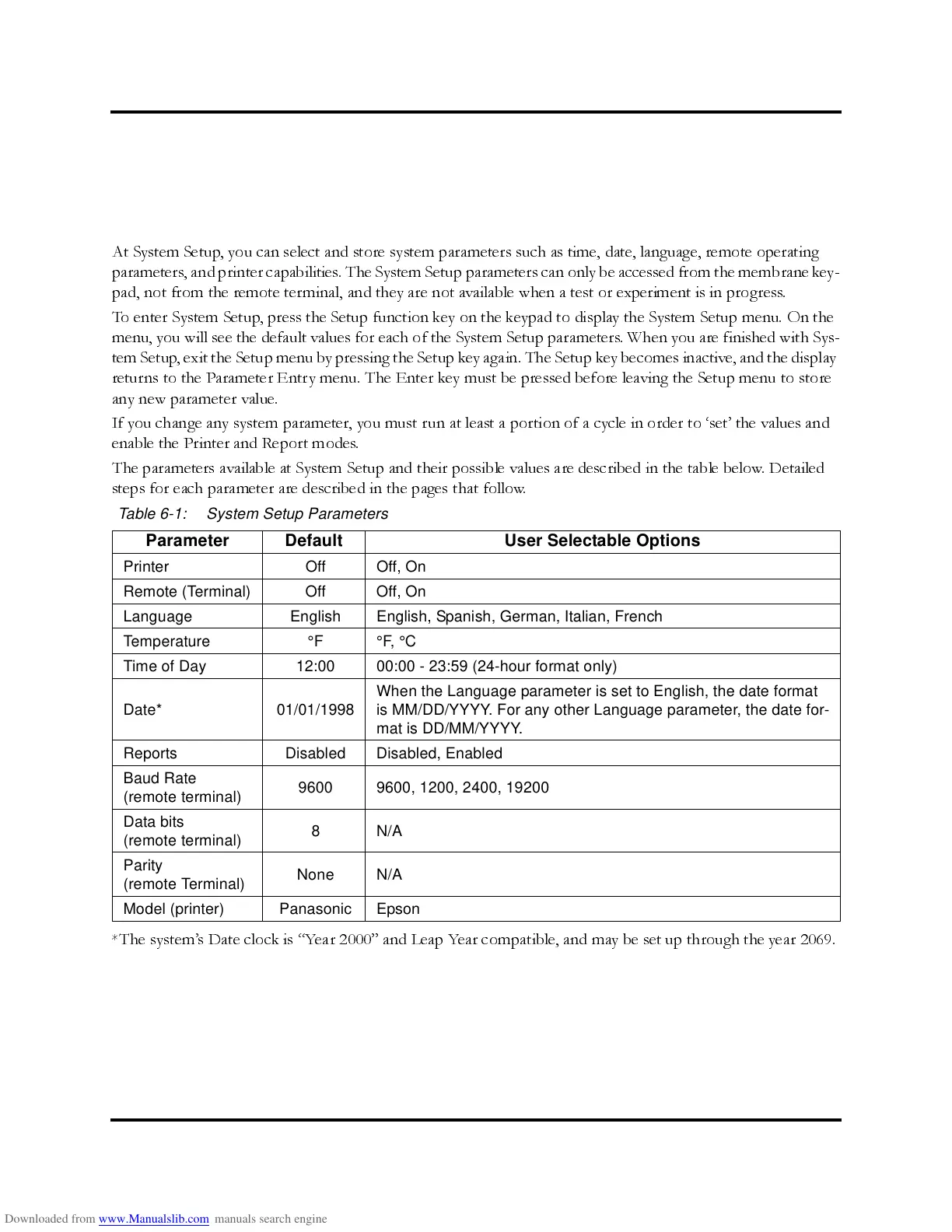
The parameters available at System Setup and their possible values are described in the table below. Detailed
steps for each parameter are described in the pages that f ollow.
*The system’s Date clock is “Year 2000” and Leap Year compatible, and may be set up through the year 2069.
Table 6-1: System Setup Parameters
Parameter Default User Selectable Options
Printer Off Off, On
Remote (Terminal) Off Off, On
Language English English, Spanish, German, Italian, French
Temperature °F °F, °C
Time of Day 12:00 00:00 - 23:59 (24-hour format only)
Date* 01/01/1998
When the Language parameter is set to English, the date format
is MM/DD/YYYY. For any other Language parameter, the date for-
mat is DD/MM/YYYY.
Reports Disabled Disabled, Enabled
Baud Rate
(remote terminal)
9600 9600, 1200, 2400, 19200
Data bits
(remote terminal)
8N/A
Parity
(remote Terminal)
None N/A
Model (printer) Panasonic Epson



 To Next Page