100-214-239 Rev. A 6-41
Printing/Sending Reports
Digital Sonifier
6.7 Printing/Sending Reports
After an experiment, the system can produce a report showing the date and time of the experiment, the param-
eters in effect, and statistics for energy, power, amplitude, and temperature. The report data remains available
until you start a new experiment, or until you change any System Setup parameters. Reports must be turned on
in the Setup menu. If you want to run a report, you must do so
before
the next experiment is started and
before
you change any System Setup parameters. You can send the report to a printer or to the remote computer or
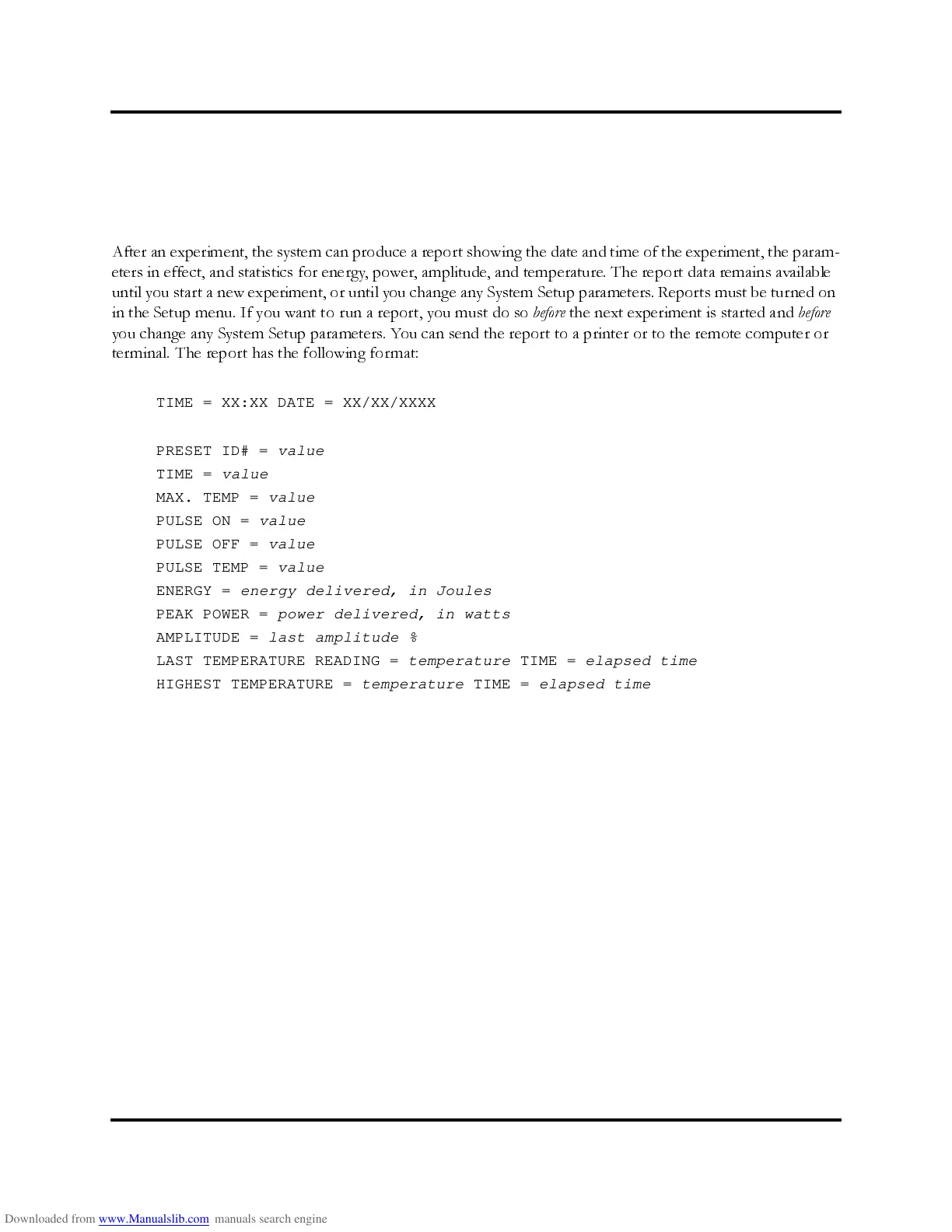
terminal. The report has the following for mat:
TIME = XX:XX DATE = XX/XX/XXXX
PRESET ID# = value
TIME = value
MAX. TEMP = value
PULSE ON = value
PULSE OFF = value
PULSE TEMP = value
ENERGY = energy delivered, in Joules
PEAK POWER = power delivered, in watts
AMPLITUDE = last amplitude %
LAST TEMPERATURE READING = temperature TIME = elapsed time
HIGHEST TEMPERATURE = temperature TIME = elapsed time



 To Next Page