100-214-239 Rev. A 6-13
Entering System Setup Parameters
Digital Sonifier
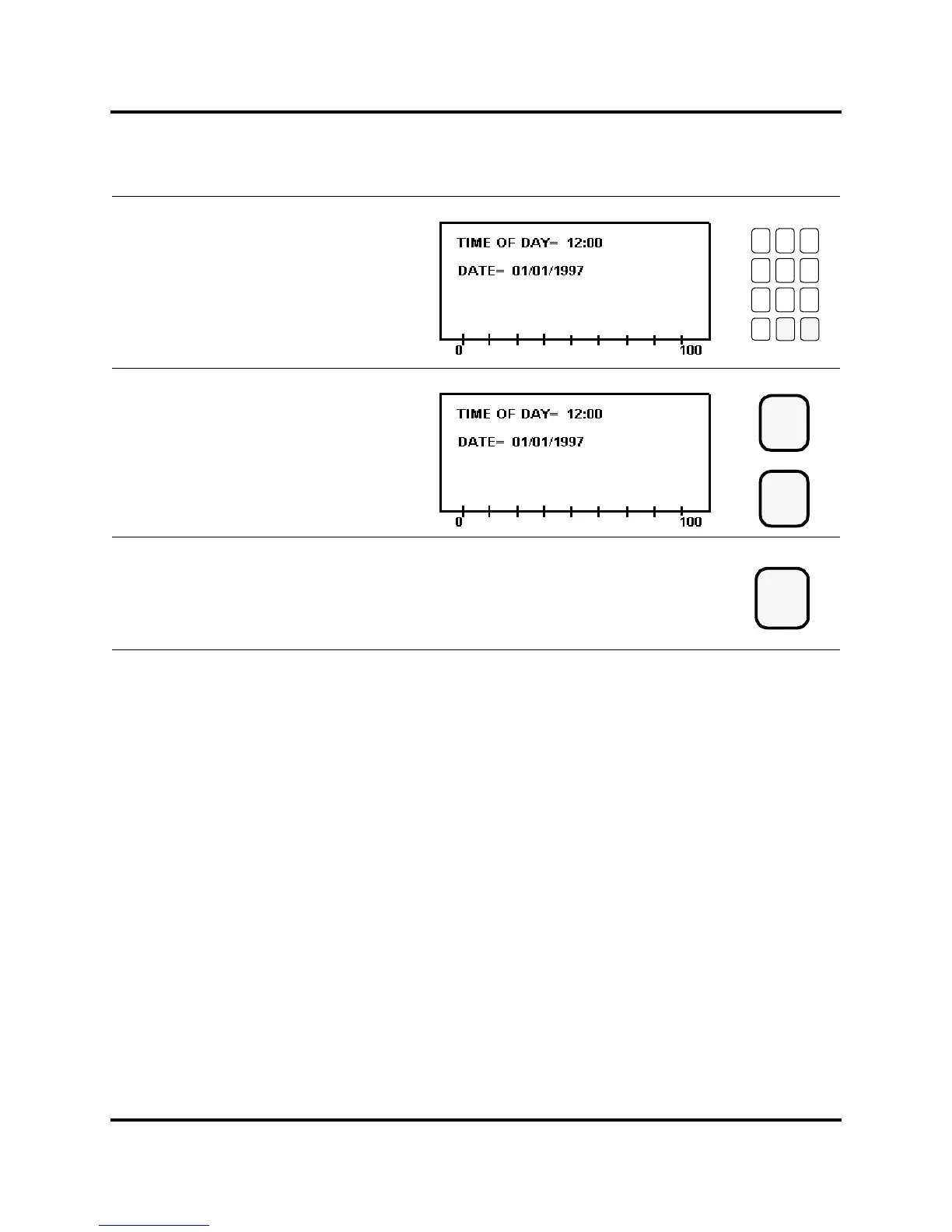
Use the numeric keys to enter the current
date, using an American or European date
format as appropriate. If you set English as
the Language parameter, the system uses
the American date format (MM/DD/YYYY).
Otherwise, it uses the European format
(DD/MM/YYYY).
Press the Enter key to store the value
for Date, or press the Clear key to re-enter
the date.
Press the Setup key to exit the
System Setup menu. The Setup LED
extinguishes.
789
456
123
0
Clear
Enter
or
Setup



 To Next Page