100-214-239 Rev. A 6-21
Entering System Setup Parameters
Digital Sonifier
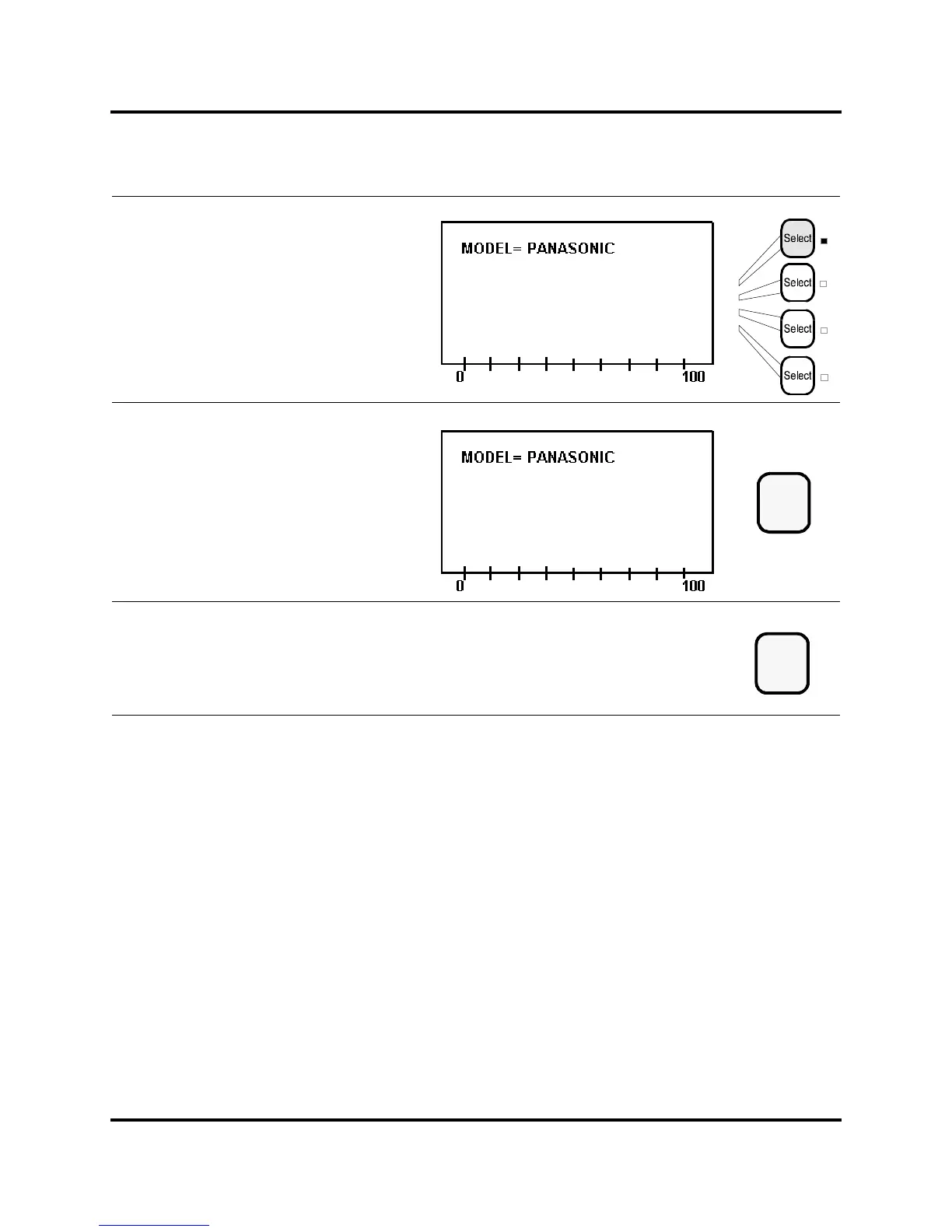
Press the same Line Select key again to
toggle among the possible values for
your printer Model: Panasonic, Epson,
or IBM.
Press the Enter key to store the value
for Model.
Press the Setup key to exit the
System Setup menu. The Setup LED
extinguishes.
Enter
Setup



 To Next Page