100-214-239 Rev. A 6-25
Entering Operation Parameters
Digital Sonifier
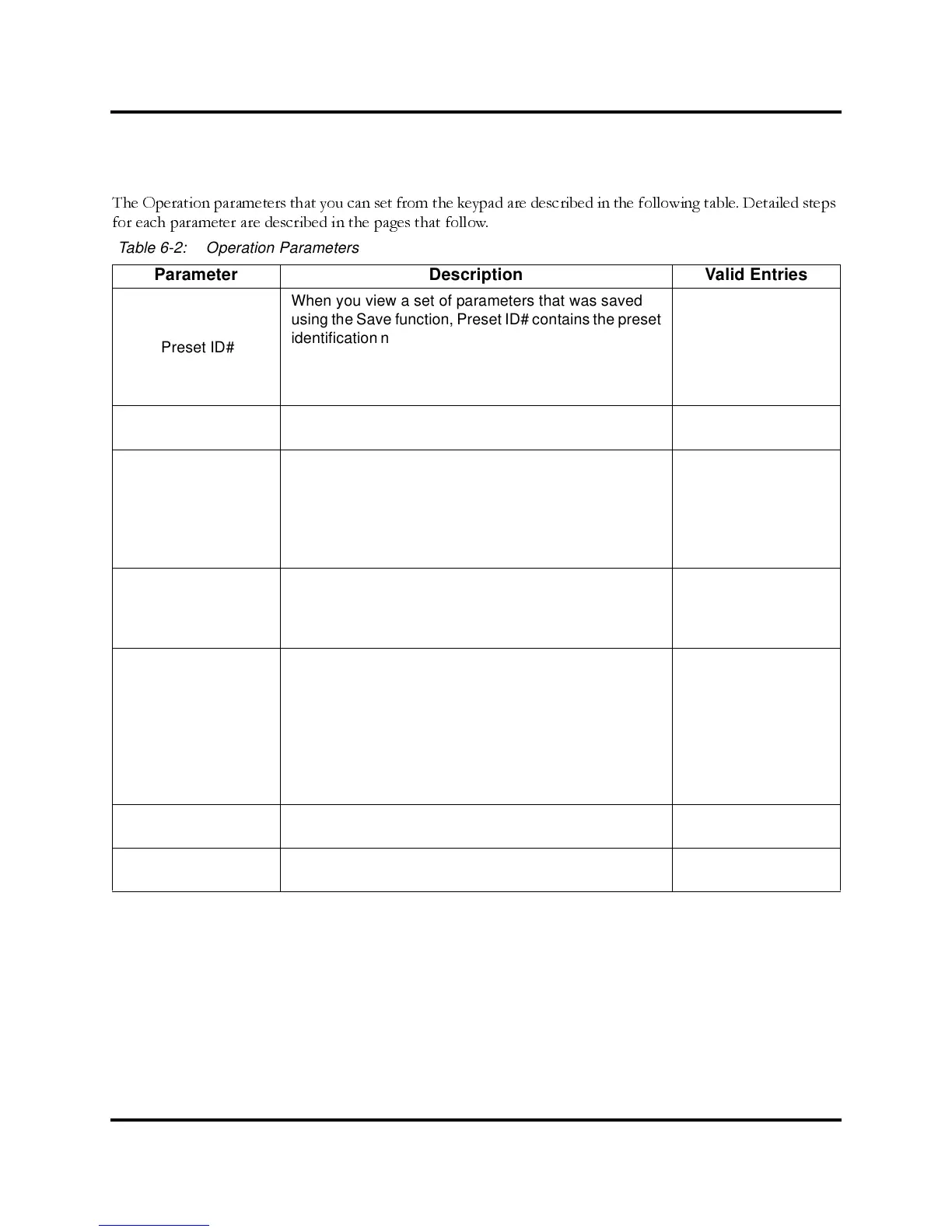
The Operation parameters that you can set from the keypad are described in the following table. Detailed steps
for each parameter are described in the pages that follow.
Table 6-2: Operation Parameters
Parameter Description Valid Entries
Preset ID#
When you view a set of parameters that was saved
using the Save function, Preset ID# contains the preset
identification number under which the parameters were
saved. The number is not available for entry.
ThePresetIDwillbefollowedbyanasterisk(*)ifyou
change any of the parameters.
01–20
Time
The length of time the experiment should run, in hours,
minutes and seconds.
0:00:01 – 9:59:59
Max. Temp.
This parameter is available only if a temperature probe
is connected to the system. The temperature units
(Fahrenheit or Celsius) are determined by the setting of
the Temperature parameter, selected during System
Setup. If no probe is connected, the value will display
as TEMP OFF.
32.0° – 212.0°F
or 0.0° – 100.0°C
Amplitude
The current Amplitude setting (manually set using the
Amplitude control on the side of the unit). The ampli-
tude affects the amount of power applied during the
experiment.
10% minimum to
100% maximum
Pulse Temp
This parameter is available for entering the Pulse Tem-
perature if a temperature probe is connected. Entering
a value for this parameter puts the system in the
Pulse/Pause mode. The temperature units (Fahrenheit
or Celsius) are determined by the setting of the Tem-
perature parameter, selected during System Setup. If
a probe is not connected, the Pulse Temp value will be
displayed as TEMP OFF.
32.0°F or 0.0°C to
3° below Max. Temp.
parameter
Pulse On
In Pulse mode, the length of time in tenths of seconds
that ultrasonics will be On
0.1 to 59.9 seconds
Pulse Off
In Pulse mode, the length of time in tenths of seconds
that ultrasonics will be Off
0.1 to 59.9 seconds



 To Next Page