6 Maintenance
6.1 General maintenance
Careful!
Clean the screen with a soft cloth.
Never apply water and/or (cleaning) liquid to the screen.
6.2 Cleaning or replacing filter
6.2.1 Filter notification
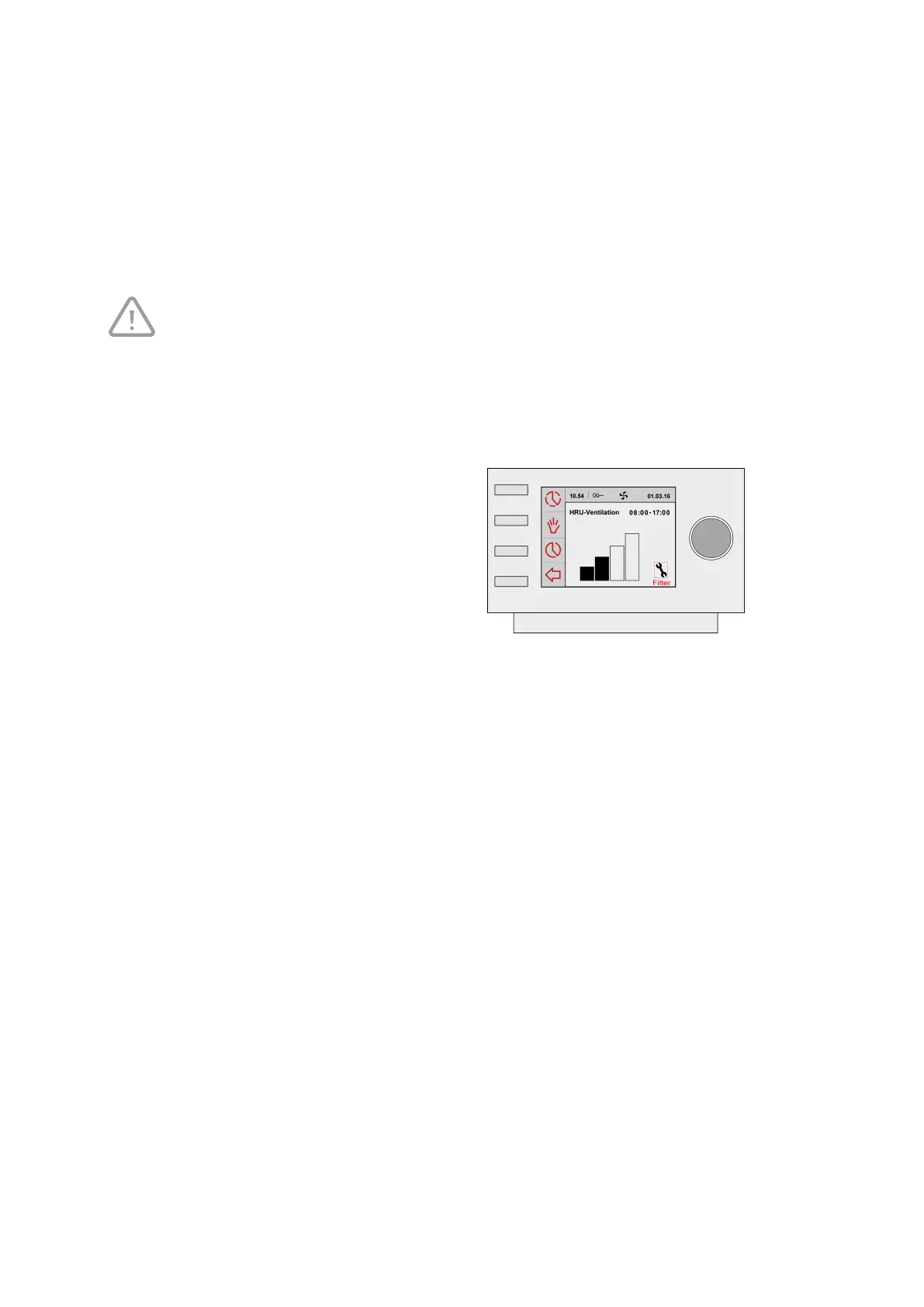
The filters in the device, connected to the
Brink Air Control- Ventilation, should be
cleaned or replaced when the text ‘FILTER’
appears on the Brink Air Control-
Ventilation display.
6.2.2 Removing, cleaning or replacing
Consult the manual of the device connected to the Brink Air Control- Ventilation for removing, cleaning and
replacing filters.
Brink Air Control- Ventilation 614884-B Brink / 23


 To Next Page