Model 621 User’s Manual USING THE LASER WAVELENGTH METER
Bristol Instruments, Inc. 22
The Display Resolution setting matches the number of displayed digits to the
accuracy of the instrument due to the bandwidth of the laser under test. The
maximum number of digits displayed by the model 621A is 9 (minimum of 5). The
maximum number of digits displayed by the model 621B is 8 (minimum of 4). Two
modes for Display Resolution are available.
Auto – Automatically determines the appropriate display resolution based on
the bandwidth of the laser under test. Broadband input lasers will have a
reduced number of digits, which corresponds to the instrument’s decrease in
accuracy.
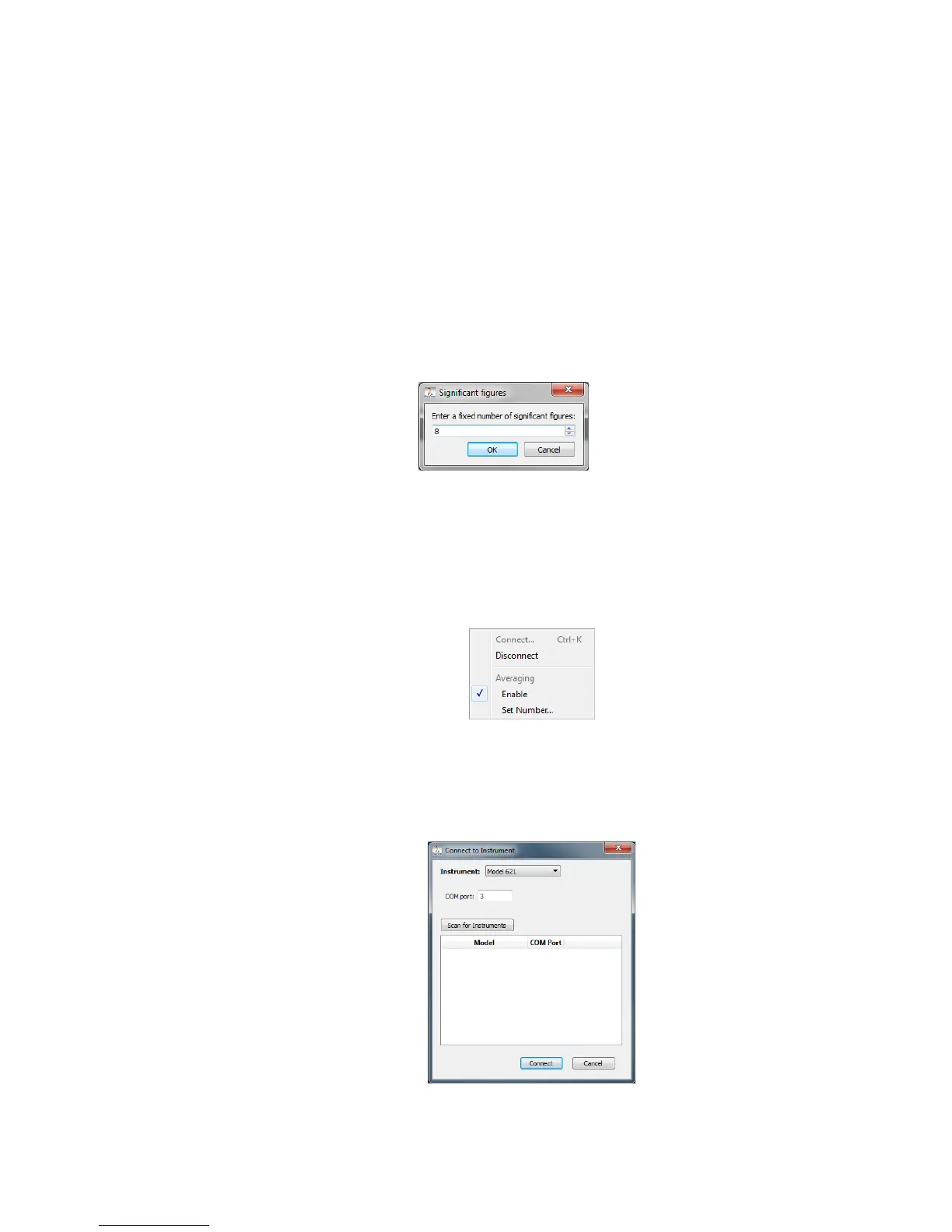
Fixed – The Display Resolution is set by the user. The number of digits can
be adjusted incrementally by using the up/down arrows or by highlighting the
current numeric value and entering a new numeric value with the keyboard.
Although this mode allows the user to specify the number of digits to be
displayed, the accuracy of the wavelength measurement is still limited by the
bandwidth of the laser under test.
Instrument Menu
Connect – Manually enter the COM port for the instrument and click “Connect.” If the
COM port is unknown, click “Scan for Instruments” to locate the instruments that are
connected to the PC. Double click on the desired instrument from the list to populate
the COM port field, and click “Connect.”
Disconnect – Used to disconnect the 621 system from the PC.



 To Next Page