6-11
The file name can only be
8 characters long.
When the ENTER key is pressed a box will
appear that says Exporting Menu... with a
progress bar.
When the export is complete the box will
say “Menu Exported”. Press the OK button
and the Preset display will appear. Remove
the flash drive from the USB port.
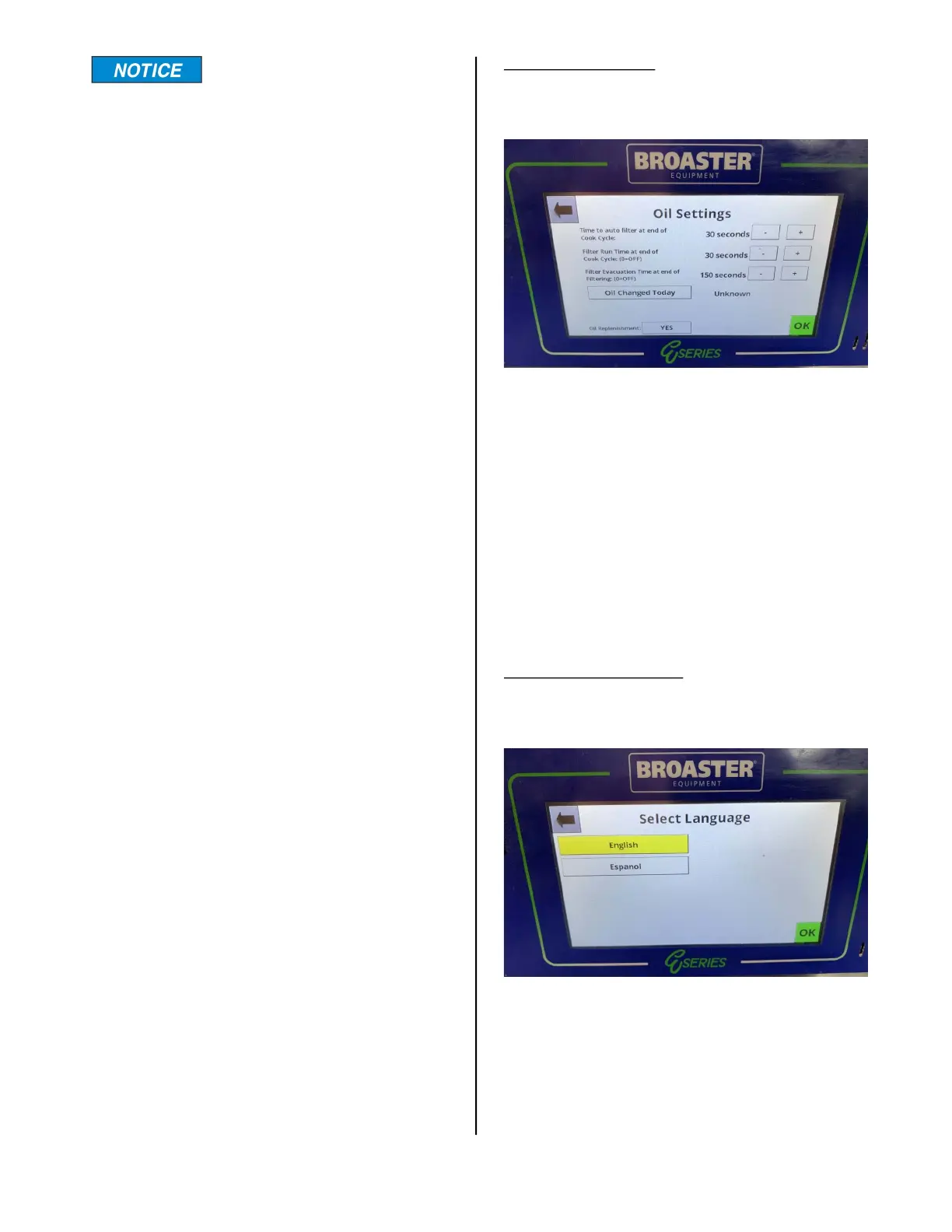
Oil management:
Pressing this option opens the Oil Manage-
ment Display.
The recirculation time for the auto-filter fea-
ture can be adjusted here in 10 second
intervals. The filter evacuation time at the
end of auto-filtering can also be adjusted in
30 second intervals.
Pressing the “Oil Changed Today” bar
enters today’s date and time as a reminder
when the oil was last changed. This also
resets the “Cycles Since Last Filtered”
counter to 00 on the Cook Tab.
Language selection:
Pressing this option will allow you to
change the language used in all displays.
broaster.com Manual #21469 621 rev 11/23



 To Next Page