Troubleshooting
117
6
Jam MP Tray (paper jam in the MP tray) 6
If the LCD shows JamMPTray, follow these steps:
a Remove the paper from the MP tray.
b Remove any jammed paper from in and around the MP tray.
c Fan the paper stack, and then put it back in the MP tray.
d When loading paper in the MP tray, make sure that the paper stays under the maximum paper height
guides on both sides of the tray.
e Press Go to resume printing.
Jam A Tray 1 (paper jam in the paper tray) 6
If the LCD shows Jam A Tray 1, follow these steps:
a Remove any printed pages from the output paper tray.
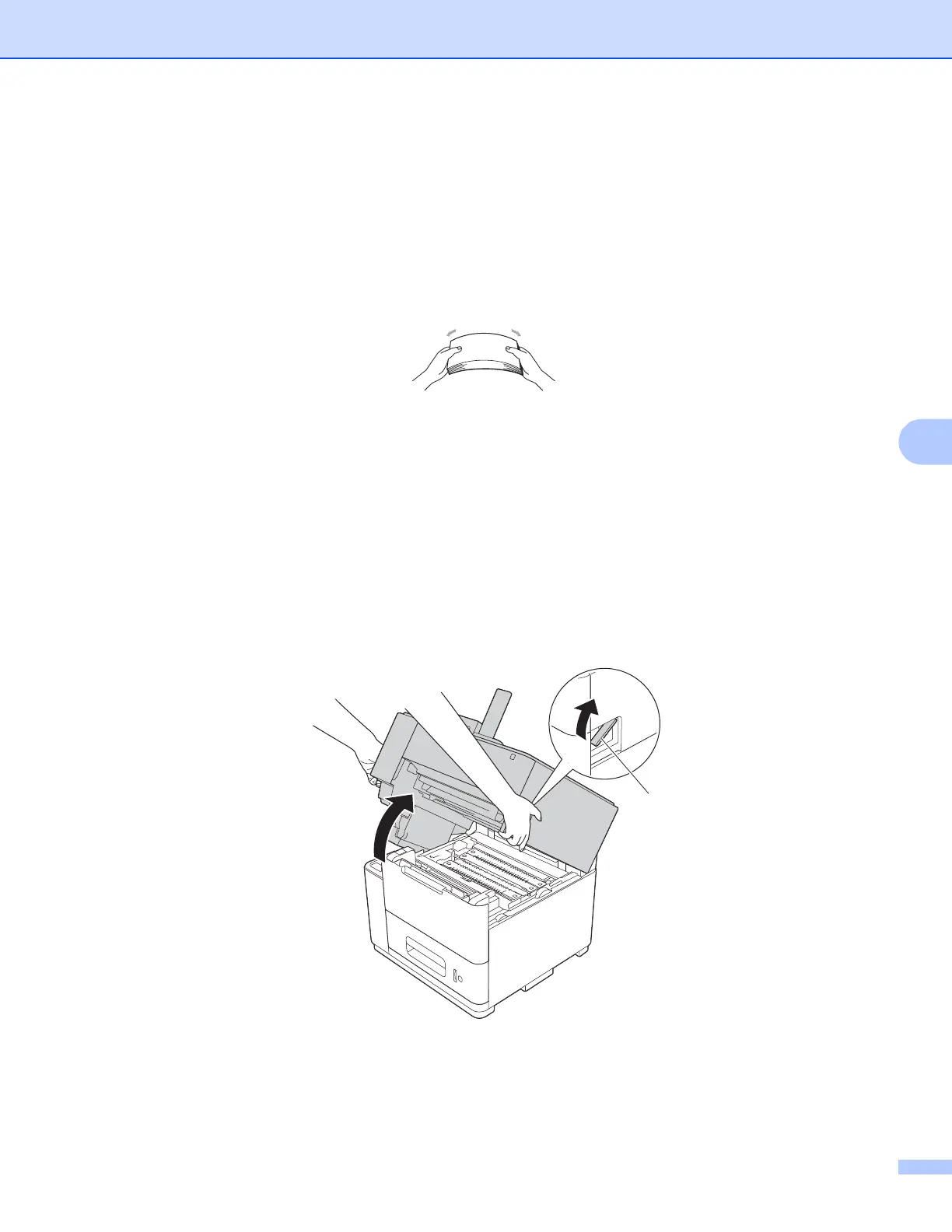
b Pull the top cover release lever (1) as shown and open the top cover.
1



 To Next Page
 Loading...












