Driver and Software
33
2
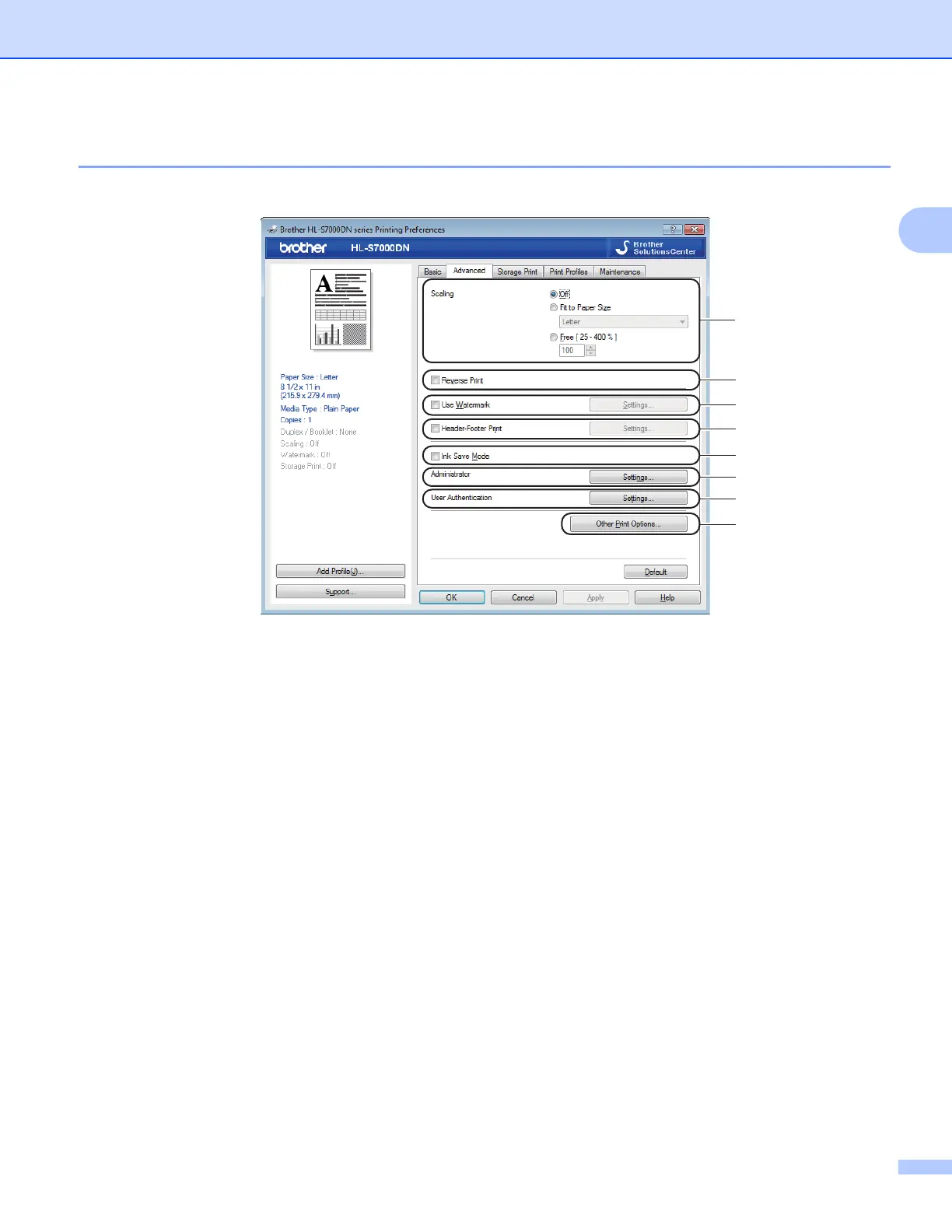
Advanced tab 2
Change the tab settings by clicking one of the following selections:
Scaling (1)
Reverse Print (2)
Use Watermark (3)
Header-Footer Print (4)
Ink Save Mode (5)
Administrator (6)
User Authentication (7)
Other Print Options (8)
Scaling 2
You can change the print image scaling.
Reverse Print 2
Check Reverse Print to reverse the data from up to down.



 To Next Page
 Loading...












