Driver and Software
62
2
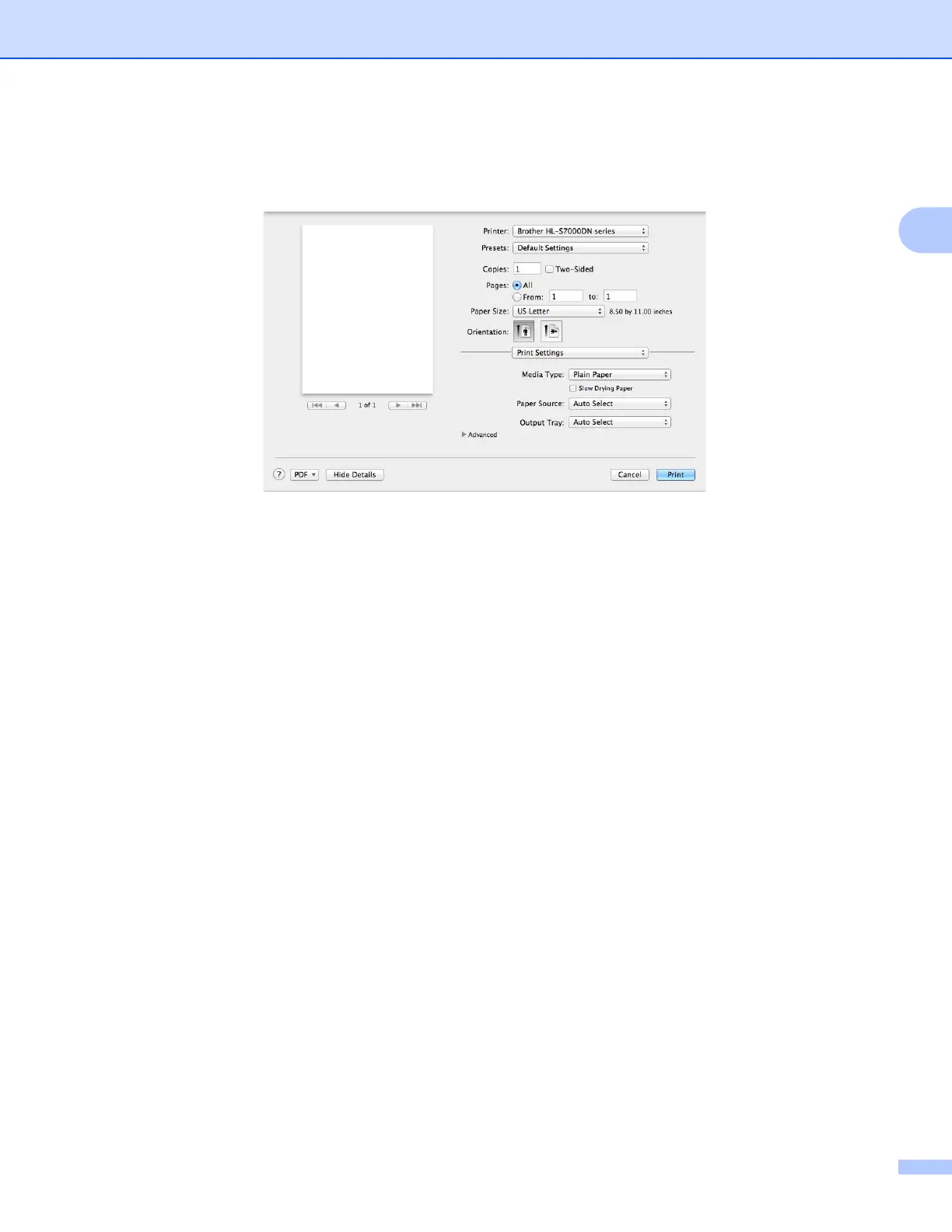
Print Settings 2
You can change settings by choosing a setting in the Print Settings list:
Media Type
You can change the media type to one of the following:
• Plain Paper
• Thin Paper
• Thick Paper
• Bond Paper
• Recycled Paper
Slow Drying Paper
When using paper that dries slowly, select this option to prevent bleed-through.
Paper Source
You can choose Auto Select, Tray1, Tray2
1
, Tray3
1
, Tray4
1
, MP Tray, Manual, Tray ID 1, Tray ID 2,
Tray ID 3 or Tray ID 4.
1
Available if this optional lower tray is installed.
Output Tray
You can select the following paper output trays:
• Auto Select
• Standard
• Optional
1
1
Available if the optional output tray is installed.



 To Next Page
 Loading...












