Driver and Software
56
2
Macintosh 2
Features in the printer driver (Macintosh) 2
This machine supports Mac OS X v10.5.8 - 10.6.x - 10.7.x.
The screens in this section are from Mac OS X v10.7. The screens on your Macintosh will vary depending
on your operating system version.
Choosing page setup options 2
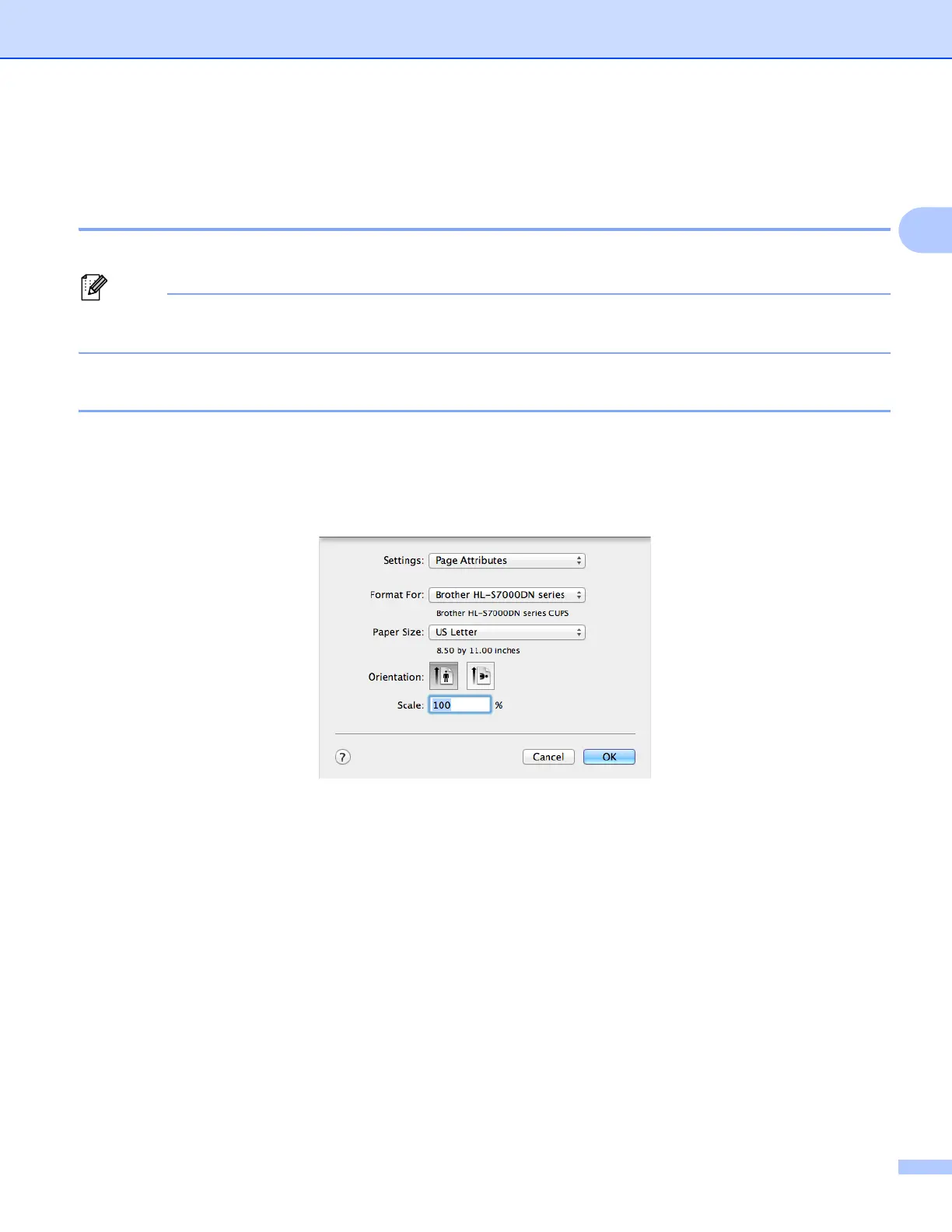
You can set the Paper Size, Orientation and Scale.
a From an application such as TextEdit, click File, then Page Setup. Make sure
Brother HL-S7000DN series is chosen in the Format For pop-up menu. You can change the settings
for Paper Size, Orientation and Scale, then click OK.



 To Next Page
 Loading...












