Driver and Software
28
2
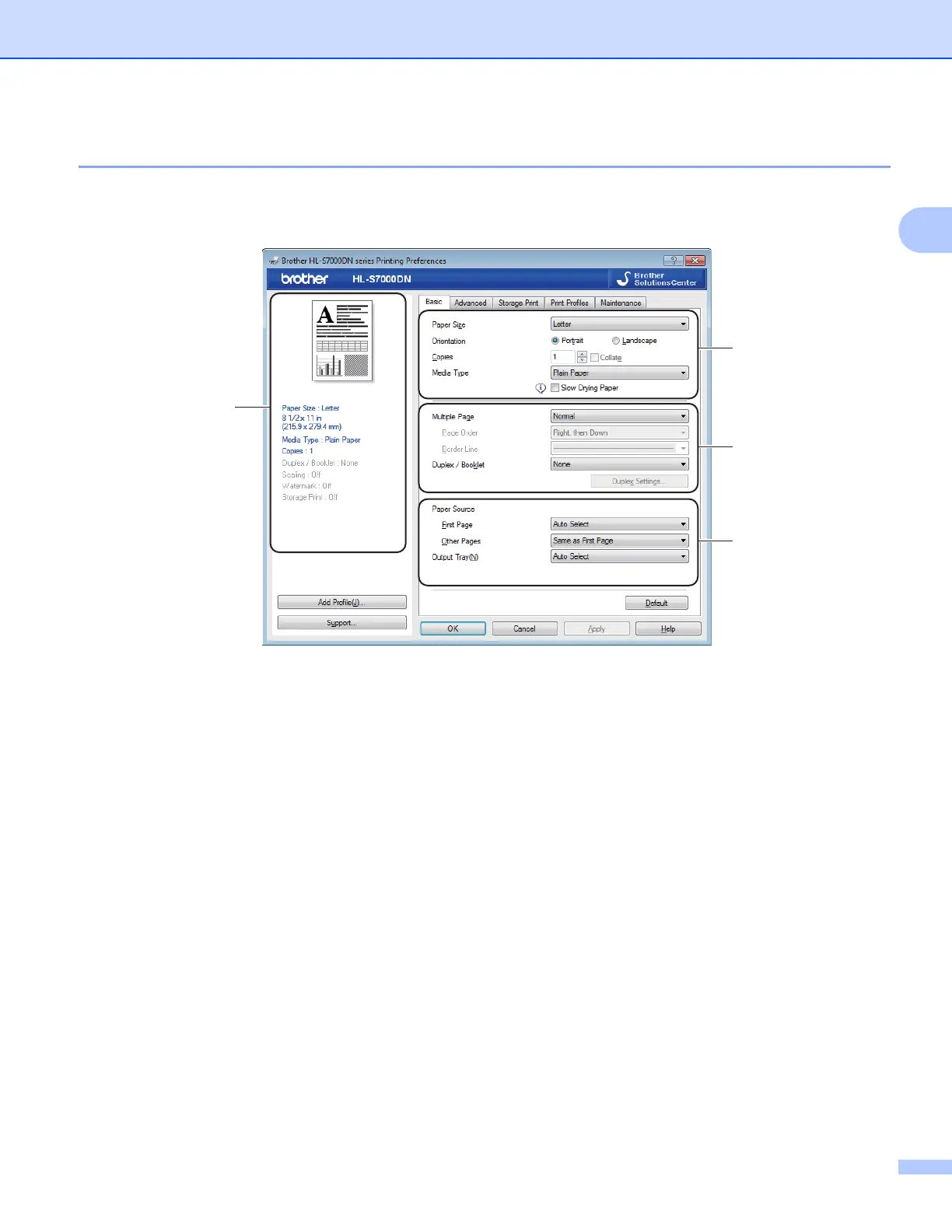
Basic tab 2
You can also change the Page Layout settings by clicking the illustration on the left side of the Basic tab.
a Choose the Paper Size, Orientation, Copies and Media Type (1).
b Choose Multiple Page and Duplex / Booklet (2).
c Choose the Paper Source and Output Tray (3).
d Confirm your current settings in the window (4).
e Click OK to apply your chosen settings.
To return to the default settings, click Default, then OK.
Paper Size 2
From the drop-down box choose the Paper Size you are using.
4
1
2
3



 To Next Page
 Loading...












