General Information
75
3
LED indications 3
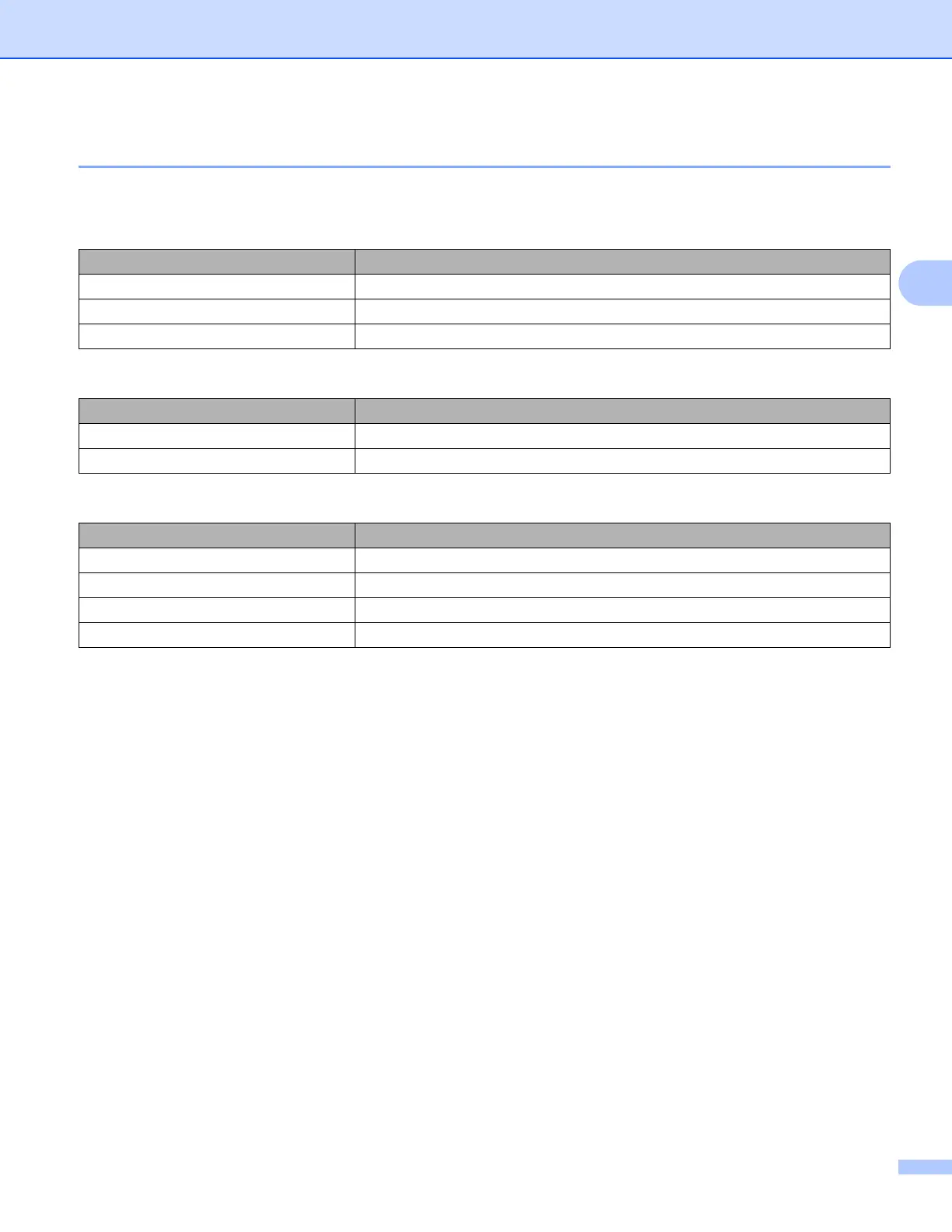
The LEDs are lights that show the machine’s status.
Data LED (Green)
LED indication Meaning
On Data is in the machine’s memory.
Blinking The machine is receiving or processing data.
Off There is no remaining data in the memory.
Error LED (Orange)
LED indication Meaning
Blinking There is a problem with the machine.
Off There is no problem with the machine.
Output Paper Stopper LED
LED indication Meaning
On (Green) Data is in the machine’s memory.
Blinking (Green) The machine is receiving or processing data.
Blinking (Orange) There is a problem with the machine.
Off There is no remaining data in the memory.



 To Next Page
 Loading...












