Chapter 1
12
Deleting Shortcuts 1
You can delete a Shortcut.
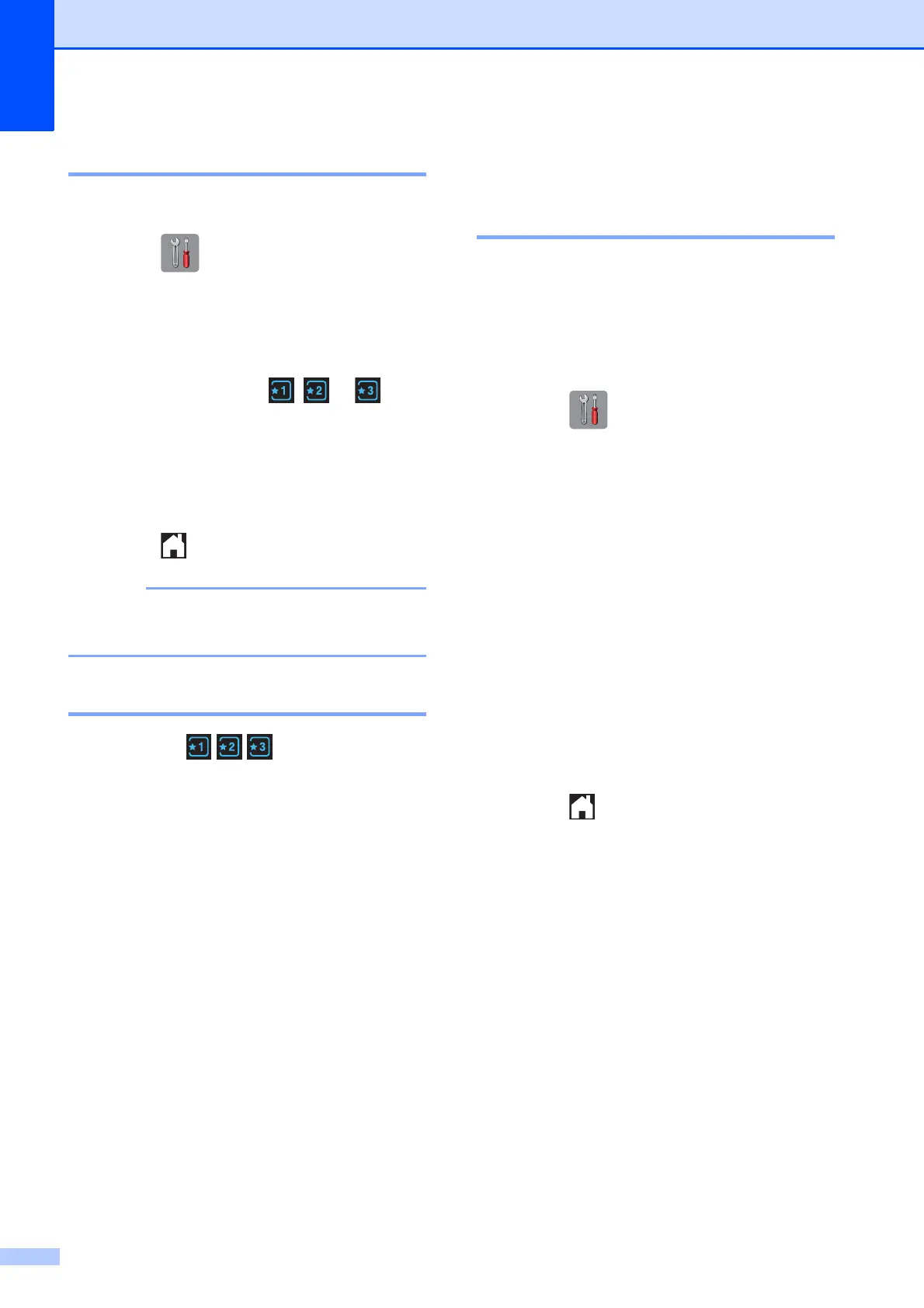
a Press (Settings).
b Press s or t on the Touchpanel to
display Shortcut Settings.
Press Shortcut Settings.
c Press the Shortcut ( , or ) that
you want to delete.
d Press Delete to delete the Shortcut
that you chose in step c.
Press Yes to confirm.
e Press .
-Blank- appears when accessing
through Settings.
Using Shortcuts 1
The Shortcuts are always
displayed on the Touchpanel. To use a
Shortcut, simply press it on the Touchpanel.
Volume Settings 1
Ring Volume 1
You can choose a range of ring volume
levels, from High to Off. The machine will
keep your new setting until you change it.
Setting the Ring Volume 1
a Press (Settings).
b Press s or t on the Touchpanel to
display General Setup.
c Press General Setup.
d Press s or t to display Volume.
e Press Volume.
f Press s or t to display Ring.
g Press Ring.
h Press s or t to display Low, Med, High
or Off, and then press the option you
want to set.
i Press .


 To Next Page
 Loading...