Chapter 2
20
Paper weight, thickness and capacity 2
1
Up to 100 sheets of 80 g/m
2
paper.
2
For Photo 10 15 cm paper and Photo L 89 127 mm paper, use the photo paper tray. (See Loading photo paper
on page 12.)
3
BP71 260 g/m
2
paper is especially designed for Brother inkjet machines.
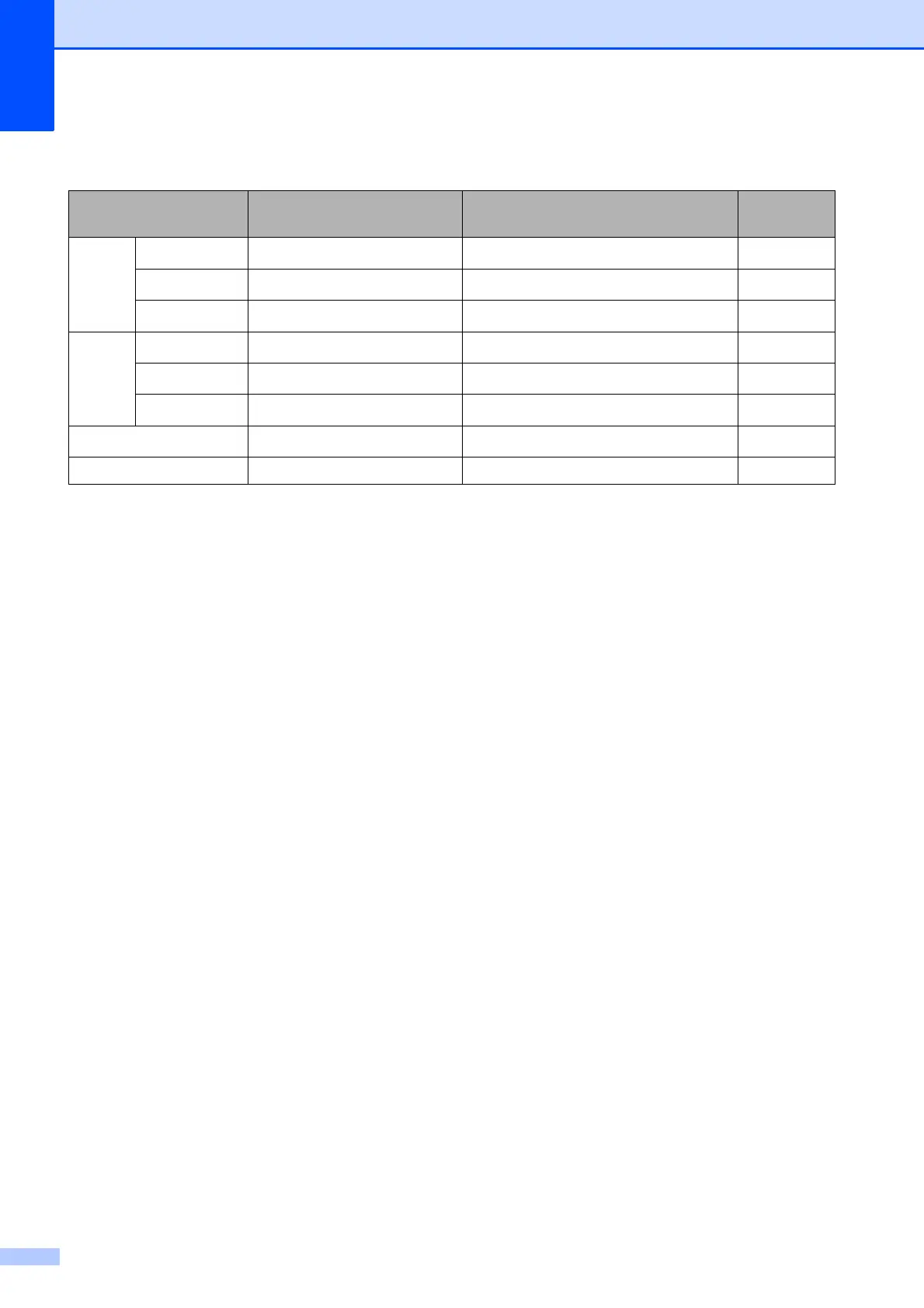
Paper Type Weight Thickness No. of
sheets
Cut
Sheet
Plain Paper
64 to 120 g/m
2
0.08 to 0.15 mm
100
1
Inkjet Paper
64 to 200 g/m
2
0.08 to 0.25 mm 20
Glossy Paper
Up to 220 g/m
2
Up to 0.25 mm
20
23
Cards Photo Card
Up to 220 g/m
2
Up to 0.25 mm
20
23
Index Card
Up to 120 g/m
2
Up to 0.15 mm 30
Postcard
Up to 200 g/m
2
Up to 0.25 mm 30
Envelopes
75 to 95 g/m
2
Up to 0.52 mm 10
Transparencies – – 10



 To Next Page
 Loading...













