160
Wireless one-push configuration (MFC-253CW/255CW/257CW) D
If your wireless access point supports either SecureEasySetup™, Wi-Fi Protected Setup (PBC
1
)
or AOSS™, you can configure the machine easily without a computer. By pushing a button on the
wireless LAN router/access point and the machine, you can set up the wireless network and
security settings. See the user’s guide for your wireless LAN router/access point for instructions
on how to access one-push mode.
1
Push Button Configuration
Note
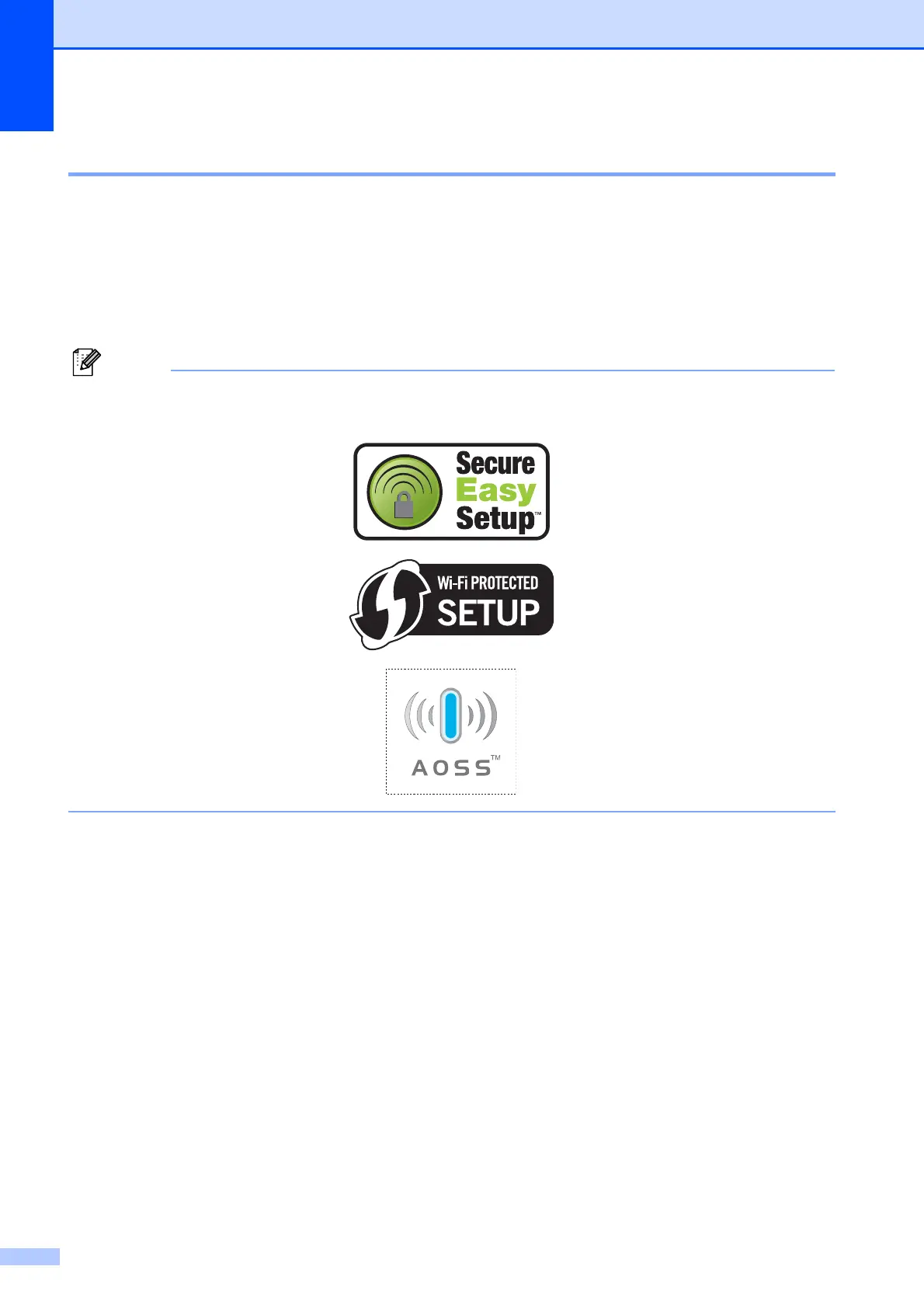
Routers or access points that support SecureEasySetup™, Wi-Fi Protected Setup or AOSS™
have the symbols shown below.


 To Next Page
 Loading...