3
3. Quick Start
NOTE: See Section 4 for installation instructions.
3.1. Set Time and Date
The time and date can either be set manually or can be synchronized with the web
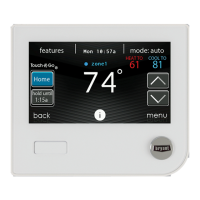
server (only for Wi--Fi enabled units). From the main screen, touch MENU,onthe
bottom of the control. The TIME/DATE icon will bring up the time and date menu.
A14215
3.1.1. Manually Adjust Time and Date
d To set the HOUR, MINUTE, MONTH, DAY, or YEAR touch the feature
you wish to change.
d Use the Up (Y) and Down (B) buttons to make the appropriate changes.
d When you have completed all of the settings touch SAVE.










 To Next Page