77
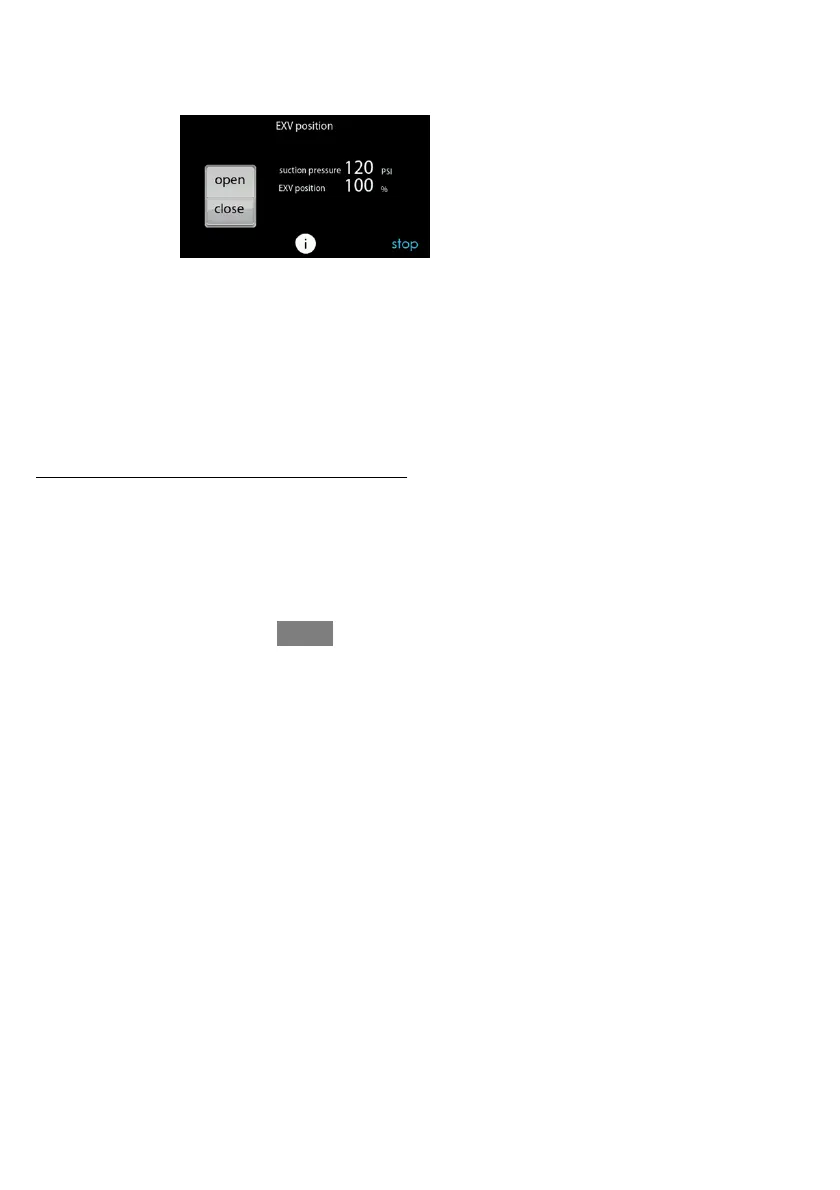
6.6.4. EXV Position
This screen allows the installer to set the EXV position and monitor the suction
pressure.
A14233
6.7. Dealer Logo
NOTE: More detail e d infor ma t i on can be found on HVACPa r t ner s.com under the
Pr oduct tab> Thermost at s & Control s > SYS T X B B E C C 01> Documents & Downloads >
Mar ket i ng/ Miscell aneous > Evol ut i on Connex Control Dealer Logo Appl i cat i on --
Instructions.
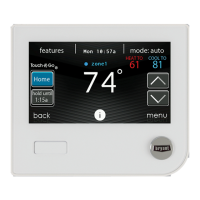
Touch DEALER LOGO to upload the dealer logo and contact infor mat i on from a
standar d SD card connect ed to the Evol ut i on Connex Cont r ol . The “Dealer Logo
Appli cation” PC / MAC Deskt op applicat i on download avai l abl e at
www.MyE vol utionConnex.B r yant.com/E volution/ downloads
is required to properly
format t he dealer l ogo and contact infor mat i on for use on the wall contr ol .










 To Next Page