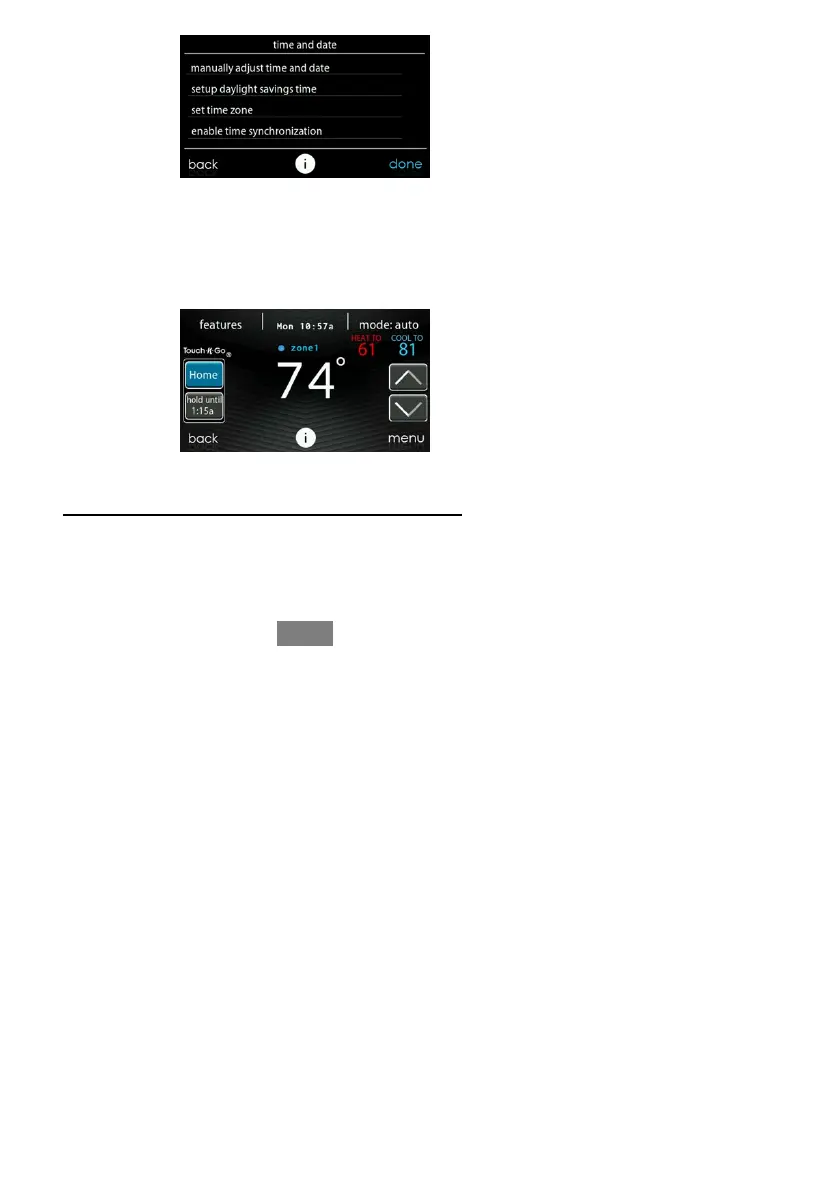
5
3.2. Set Deale r Information
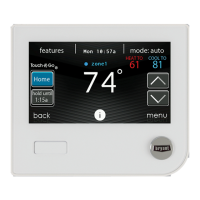
From the main screen, touch MENU, on the bottom of the control, then Down (B)
button so that the SERVICE icon is shown. The SERVICE icon allows you to
upload your contact information into the Evolution Connex Contro l.
A150172
S Format your contact information and logo (if applicable) u sing the PC/MAC
Desktop application available at
www.MyEvolutionConnex.Bryant.com/Evolution/Downloads
, and save it to a
standard SD card. See Section 6.7 for more information.
S Touch the SERVICE icon for about 10 seconds, then touch DEALER LOGO
UPLOAD.
S Place the SD card into the SD card slot on the botto m of the Evolution Connex










 To Next Page