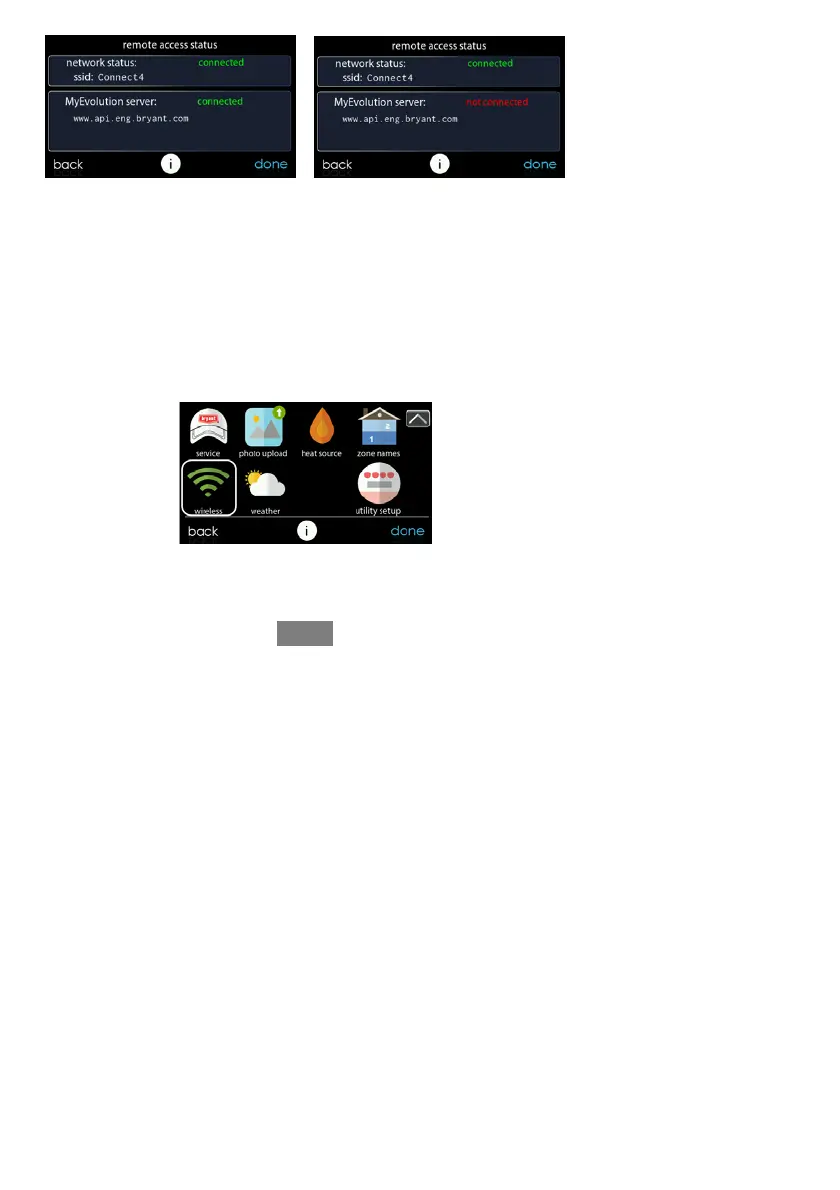
84
A13242B
7.2 Setup and Status Information (Dealer--provided Router)
To establish the Wi--Fi
®
network connectivity to the Evolution Connex Control
through the Evolution System Wireless Access Point (TP--LINKR Device), connect
the WAN (BLUE port) connection o f TP--LINK Wireless Access Point to the
home’s existing router LAN port using the provided Eth ernet cable. The LAN ports
on the b ack of the TP--LINK Wireless Access Point should not be used for other
devices. The Evolution (TP--LINK) Wireless Access Point should only be used for
connection of the Evolution Connex Control(s) and is not intended to be used wired
or wirelessly with any other devices.
A150176B
S Select the WIRELESS from the menu screen
S Make sure the Wi--Fi network connection is enabled, by touching ENABLED.










 To Next Page