78
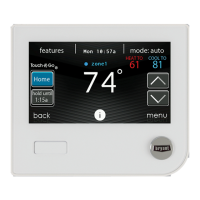
Along with the dealer logo (if any), three lines of dealer information are provided
on the wall control:
Dealer name (50 characters, max)
Dealer phone number (20 characters, max)
Dealer URL (50 characters, max)
The wall control dealer information display is 30 characters wide. Dealer names
and URLs over 30 characters will be split into two lines on the display.
The PC/MAC Desktop application to format the dealer logo and contact
informatio n can be found at:
www
.MyEvolutionConnex.Bryant.com/Evolution/downloads
Download the program and follow the program instructions.
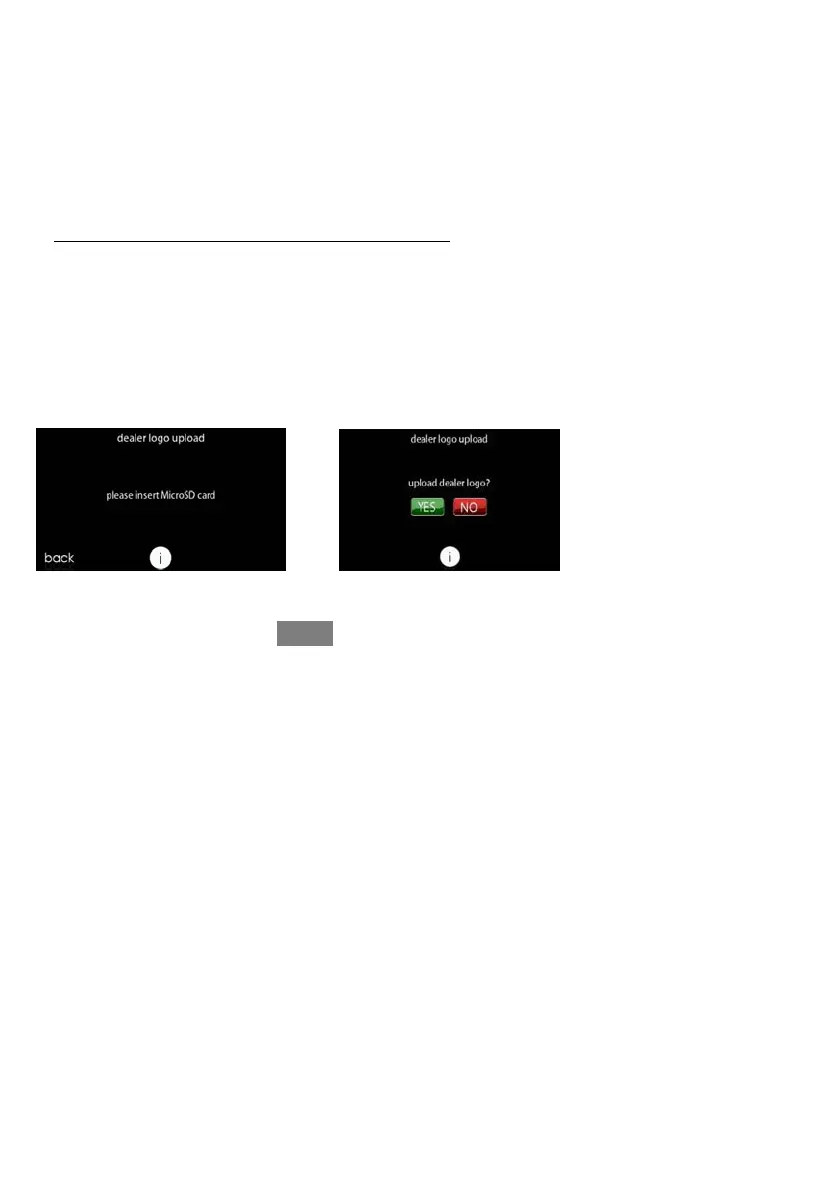
Once the d ealer logo and contact information have been properly loaded onto the
SD Card, insert the SD card into the bottom edge of the Evolution Connex Control.
The control will prompt you whether or not to upload the dealer logo. Once
complete, you will receive a confirmation that your upload was successful. If the
informatio n was not stored properly on the SD card, you will receive an error
message that the dealer logo was not found. Refer back to the PC/MAC Desktop
application instructions and try again. Once the upload is complete, touch NEXT.
If you have problems, contact your distributor service manager for support.
A12205










 To Next Page