81
A14234B
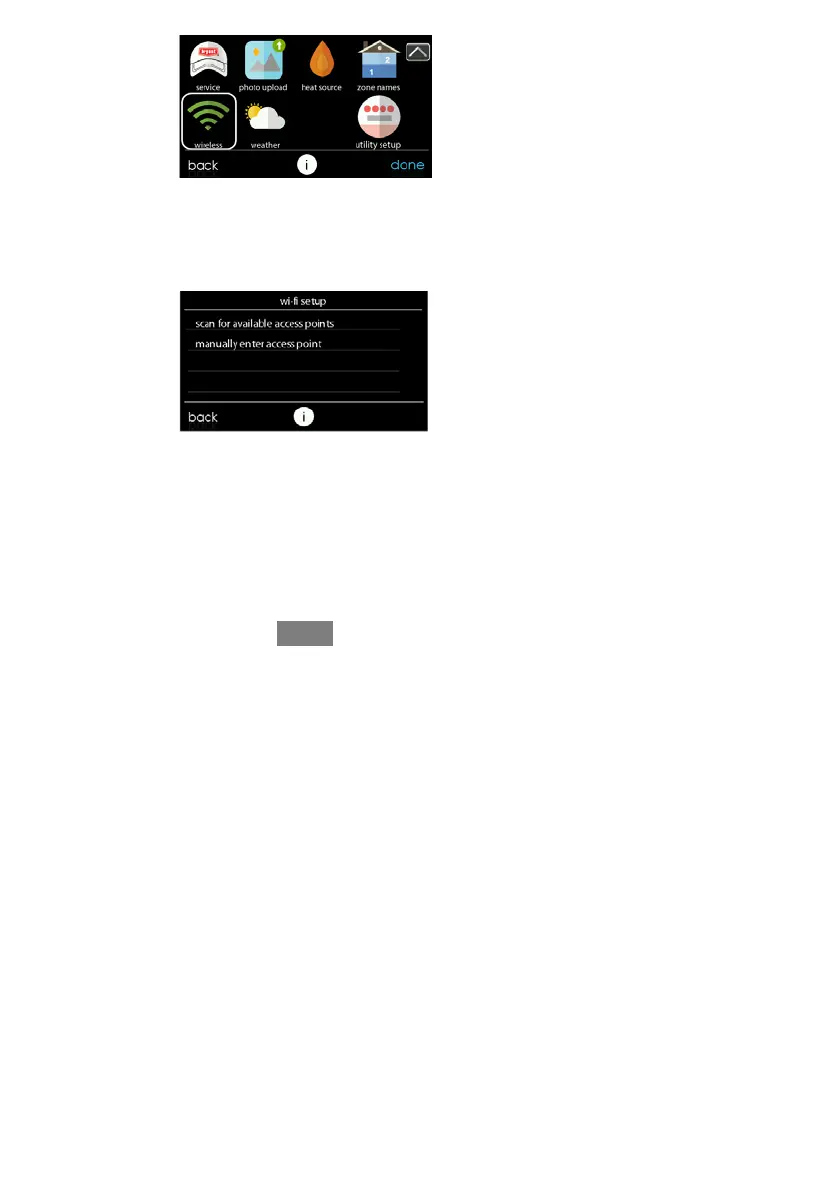
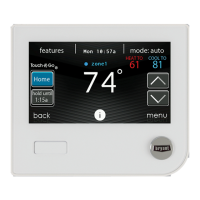
S Select the WIRELESS from the menu screen
S Make sure the Wi--Fi connection is enabled, by touching ENABLED.
S Touch SETUP A WI --FI CONNECTION to begin the process.
S Next, touch SCAN FOR AVAILABLE ACCESS POINTS.
A13235
S On the next screen look for the SSID of the router/access point. After being
selected, it will be outlined in faint blue and indicated by a check mark. Then
select NEXT.










 To Next Page