Quick Reference Guide QRG
Quick Reference Guide EDV no.: MD.337.01.04
ekrPro Com60 with CLS Pro 600 Issue Date: 30.06.2011 Seite: 19/22
4.4 Line setup mode
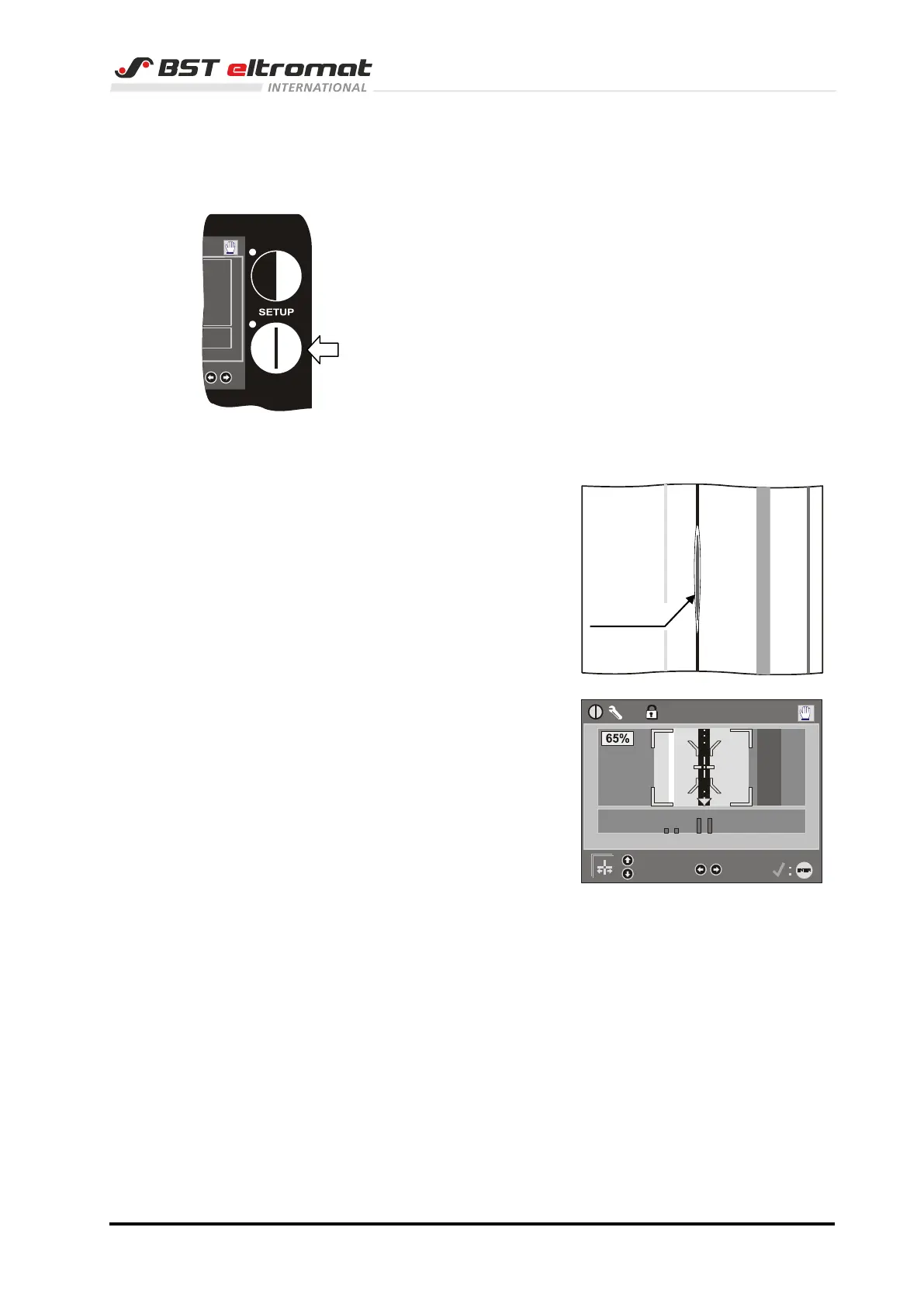
1. Press key SET-UP LINE to call up the set-up menu.
The LEDs inside the SET-UP key will illuminate.
The LED inside the ENTER key will flash.
The sensor light will be switched on and it will flash. The laser
line will be visible simultaneously.
2. Use the laser line to position the sensor on the required line.
Use the mechanical adjustment device to fix the position.
The screen display
of the commander is
as follows:
3. Press the ENTER button.
The LEDs inside the ENTER and SET-UP keys will be
extinguished.
The display will change over from set-up mode to the
scanning mode.
4. Press the ENTER button.
The system will now switch back to AUTO mode
(operating mode).
The line set-up is finished.



 To Next Page