Quick Reference Guide QRG
Quick Reference Guide EDV no.: MD.337.01.04
ekrPro Com60 with CLS Pro 600 Issue Date: 30.06.2011 Seite: 22/22
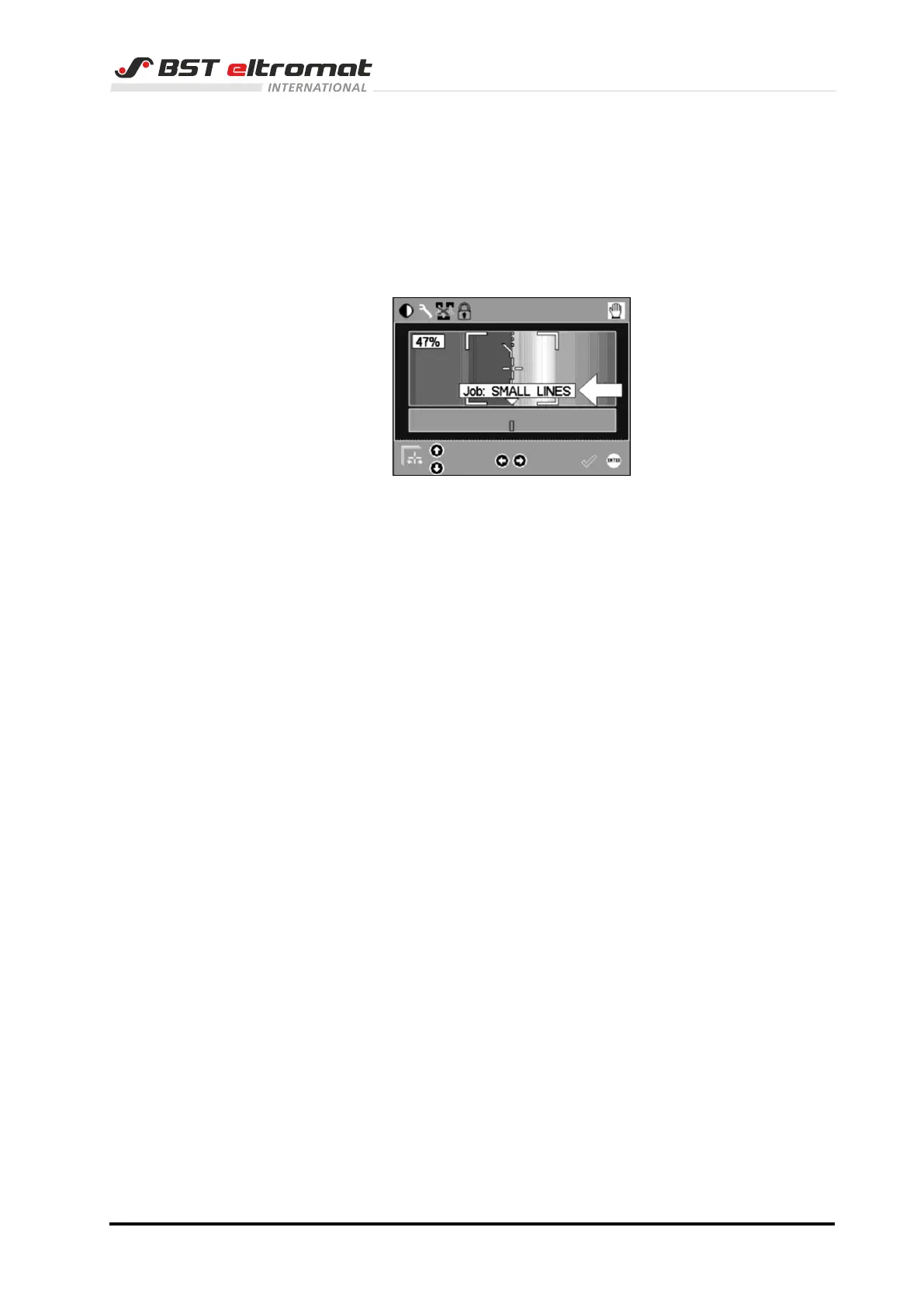
5.4 To show the current job
Whereby you will see the current job?
Change over to the set-up mode or press the set-up line or set-up
edge keys again in the set-up mode, then the currently loaded job
will be displayed on the screen for 2 seconds.
In this example the job SMALL LINES.
If it is not displayed, then the system will be operated using the
machine default values or manual modified parameters, which
have not been assigned to a job.
.



 To Previous Page