If chlorination is carried out with the cover in place, when it is removed, the pool
should not be used straightaway. It is better to wait ½ hour for any vapours between
the water and cover to dissipate.
Note: Password “1234” is required to modify this function.
4.1.4.7 Flow switch
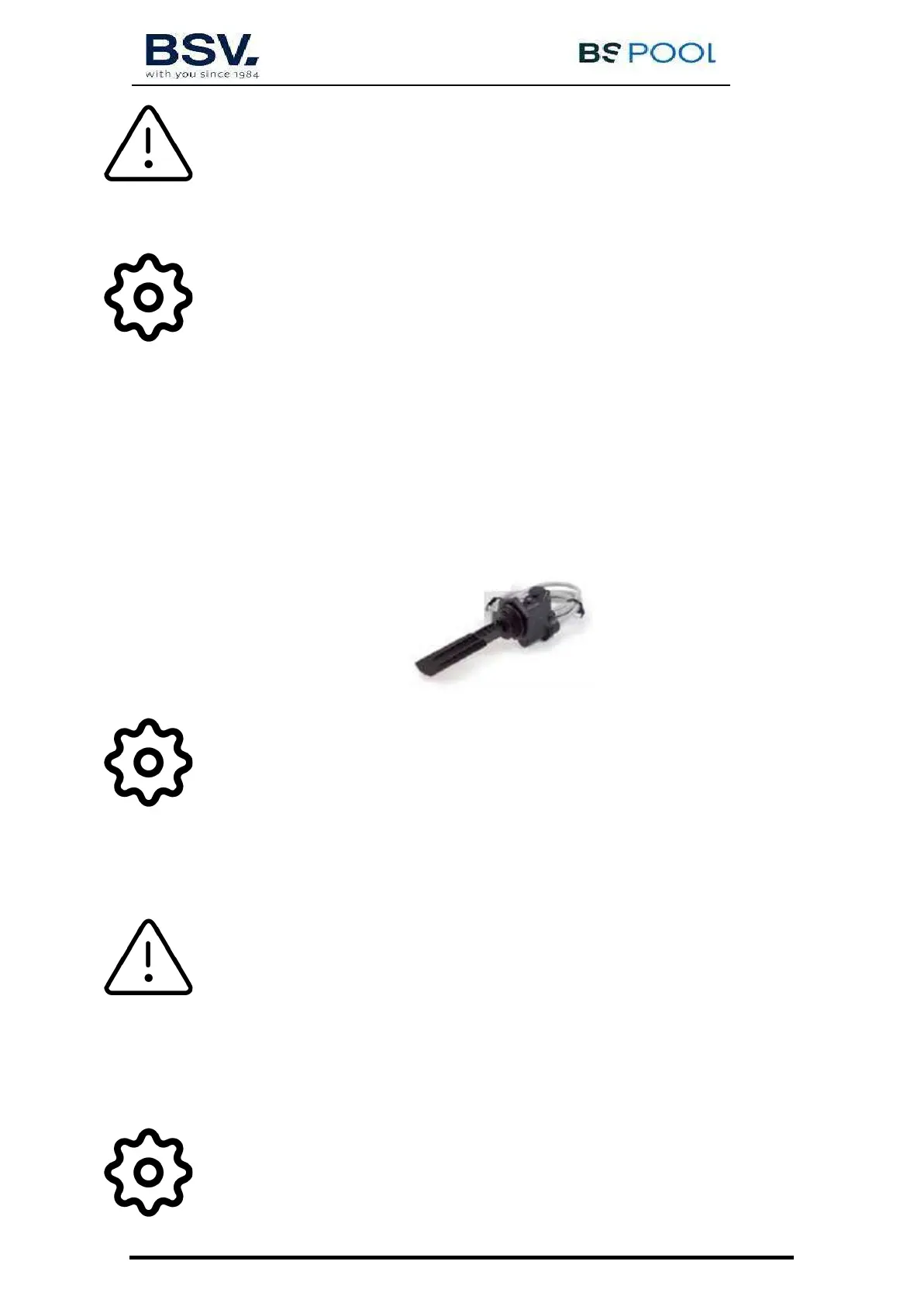
The flow sensor detects whether or not there is water flow in the piping. If it detects that there is no
flow, the production will stop, and an alarm will sound accompanied by a red warning LED. Once the
flow has been reestablished, the equipment will return to normal operation.
The "Flow Kit" (optional) is necessary to activate the flow sensor, which is done by pressing OK in the
menu Flow Switch = Y.
Note: Password “1234” is required to modify this function.
4.1.4.8 Acid / Alkali
With this option you can select the type of pH corrector to be used in your swimming pool.
Attention: It should be selected correctly otherwise the dosing system will work
opposite to expected.
Acid: Select this mode if you are going to inject pH reducer into the swimming pool (default mode).
Alkaline: Select this mode if you need to inject pH increaser into the swimming pool.
Access this option from the "Configuration menu". To change this mode to another one, press OK and
confirm the change of mode by selecting "S" and then press OK again.
Note: Password “1234” is required to modify this function.


 To Next Page