Overview
- 1.8 - WINDINGFEEDER
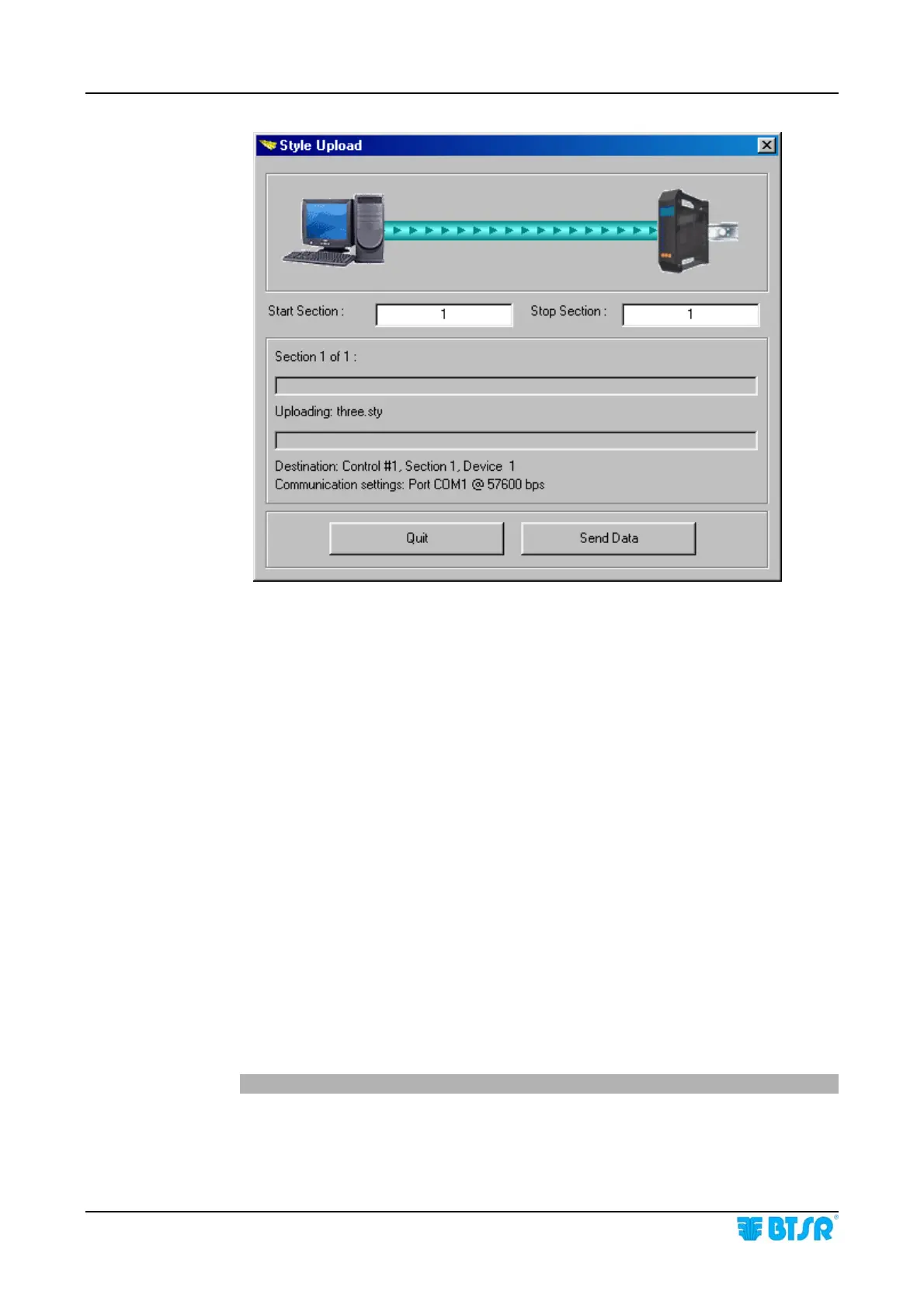
PC-Link KTF – Example of graphic screen showing the upload of working
parameters (style) to the WINDINGFEEDER devices.
With PC-LINK KTF Studio Software
Using the PC-LINK KTF Studio software or other application programs specifically
developed by BTSR, you will have the possibility of upgrading (via serial line) the
WINDINGFEEDER device firmware, without the need of physically replacing the
microprocessor. In addition, the PC-LINK KTF Studio software offers several analysis
and monitoring facilities that make easier the tuning of control parameters to the
production managers.
Possibility of displaying in real-time up to 4 control graphics related to as many
WINDINGFEEDER devices.
Possibility of displaying/saving and printing (for each graphic) up to 7 different
control parameters (work tension, min/max tension, motor torque, motor speed, inlet
tension).
Possibility of immediately checking the efficiency degree of WINDINGFEEDER
devices by comparing the yarn inlet tension (not regulated) with the outlet tension
(regulated by the WINDINGFEEDER device).
Possibility of checking (or comparing) the results obtained with two different versions
of device control firmware.
For more details, please refer to the PC-LINK KTF Studio operating manual.











 To Next Page