Operation
WINDINGFEEDER - 3-15 -
P3 Programming Level
LFA m/min
Î
ADVANCED
Î
MENU P3
The P3 programming level allows you to setup 4 functionality:
1) Offset reading/execution and Auto Offset enabling;
2) Device operation mode;
3) Access code to programmable function;
4) WEENDINGFEEDER identification code.
to select the P3 level.
to continue.
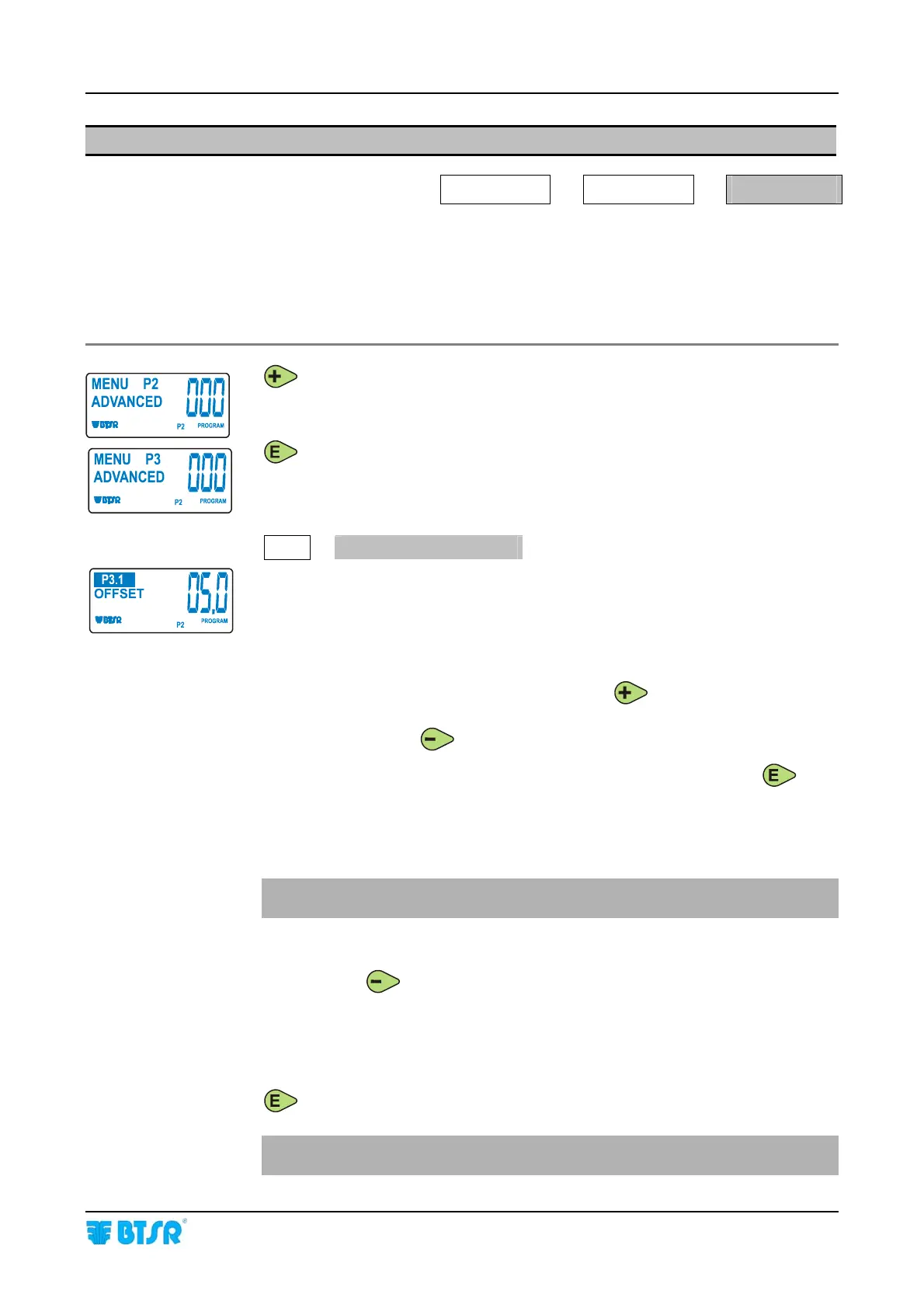
P3.1
OFFSET
By “offset” we means the calibration of the TS44.. sensor’s mechanical clamping
position.
It clears possible measurement errors due to the different clamping position of the
device on textile machine. The displayed indication is the actual OFFSET value
resulting from the clamping position of the device.
While lifting the yarn above the loading cell, press
to check whether the
stored
OFFSET value corresponds to the actual OFFSET value. If the two values are
different, press briefly
to align them.
You may either enable or disable the Automatic Offset function keeping
pressed for 3 seconds. If the function is disabled, then
AUTO does not appear on the
display.
If it is enabled, then at every machine stop the device loosens the yarn until this is
completely relaxed and it carries out an automatic correction of the Offset value.
You are recommended to enable the Auto Offset function only for low tensions
(lower than 1.0 grams).
Auto-Calibration of the Loading Cell
Holding down
for 3 seconds you may activate the loading cell Auto-
Calibration function which brings back the Offset value to 5.0 grams (factory
calibration value of Windingfeeder devices).
During the auto-calibration process, an “OFFSET INT-CALI” message is temporarily
shown on the display.
to select the next parameter.
The auto-calibration function can be carried out only when using theTS44..
sensor (not available on TS4.. sensor):











 To Next Page