Overview
WEENDINGFEEDER - 1.5 -
Further Advantages obtained by using a PC or Notebook connected to
WINDINGFEEDER devices via serial line
With PC-LINK KTF Software
Using a Personal Computer connected to the WINDINGFEEDER devices through
either a RS232 serial port or an USB port, with the aid of BTSR PC-Link KTF
software, you may program in quick and intuitive way, all the operating parameters of
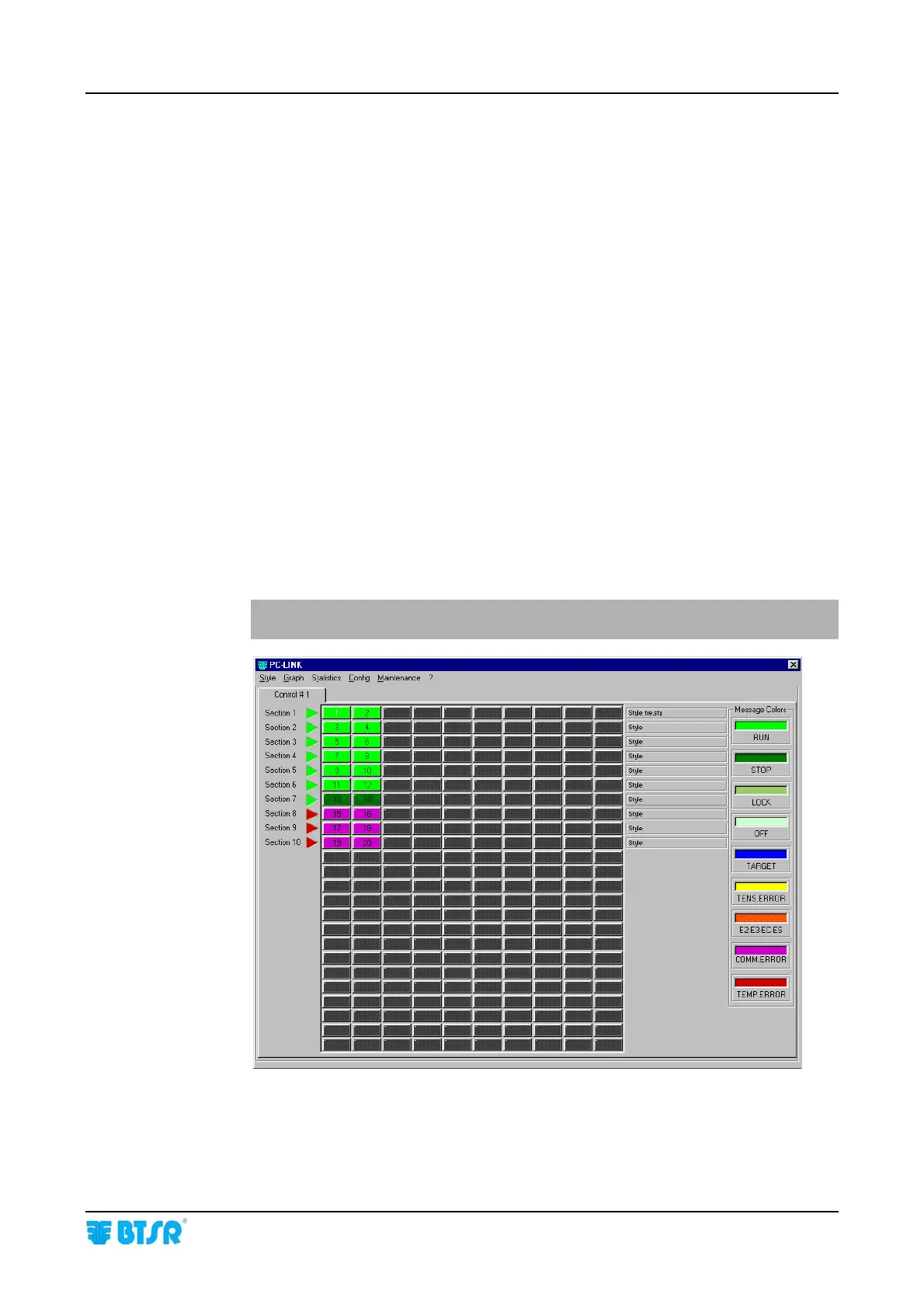
WINDINGFEEDERs devices; in addition, you may display, through a single synoptic
screen, the operating status of all connected systems, thanks to an easily interpretable
color code.
Possibility of associating each article with a “Tension Profiler” allowing you to
rapidly and effectively adapt the working parameters of WINDINGFEEDERs to your
specific application requirements.
Possibility of displaying and/or printing several graphics showing the real-time
dynamic variation of the significant operative items (such as yarn tension, current
absorbed by the motor, motor torque, etc.); this allows you to speed-up and optimize
the “tuning” of the whole system.
Possibility of updating the WINDFEEDERs software without having to physically
replace the microprocessor.
The following screen shots have a merely indicative purpose, i.e. to show the
characteristics of the PC-Link KTF software graphical interface.
For more detailed information, please refer to the PC-Link KTF operating
manual.
PC-Link KTF – Example of synoptic view with 20 WINDINGFEEDER devices
configured over 10 machine sections (2 devices for section).
- Devices 1 - 12 = Running
- Devices 13 - 14 = Stopped (
STOP)
- Devices 15 - 20 = Not connected (
COMM ERROR)











 To Next Page