10
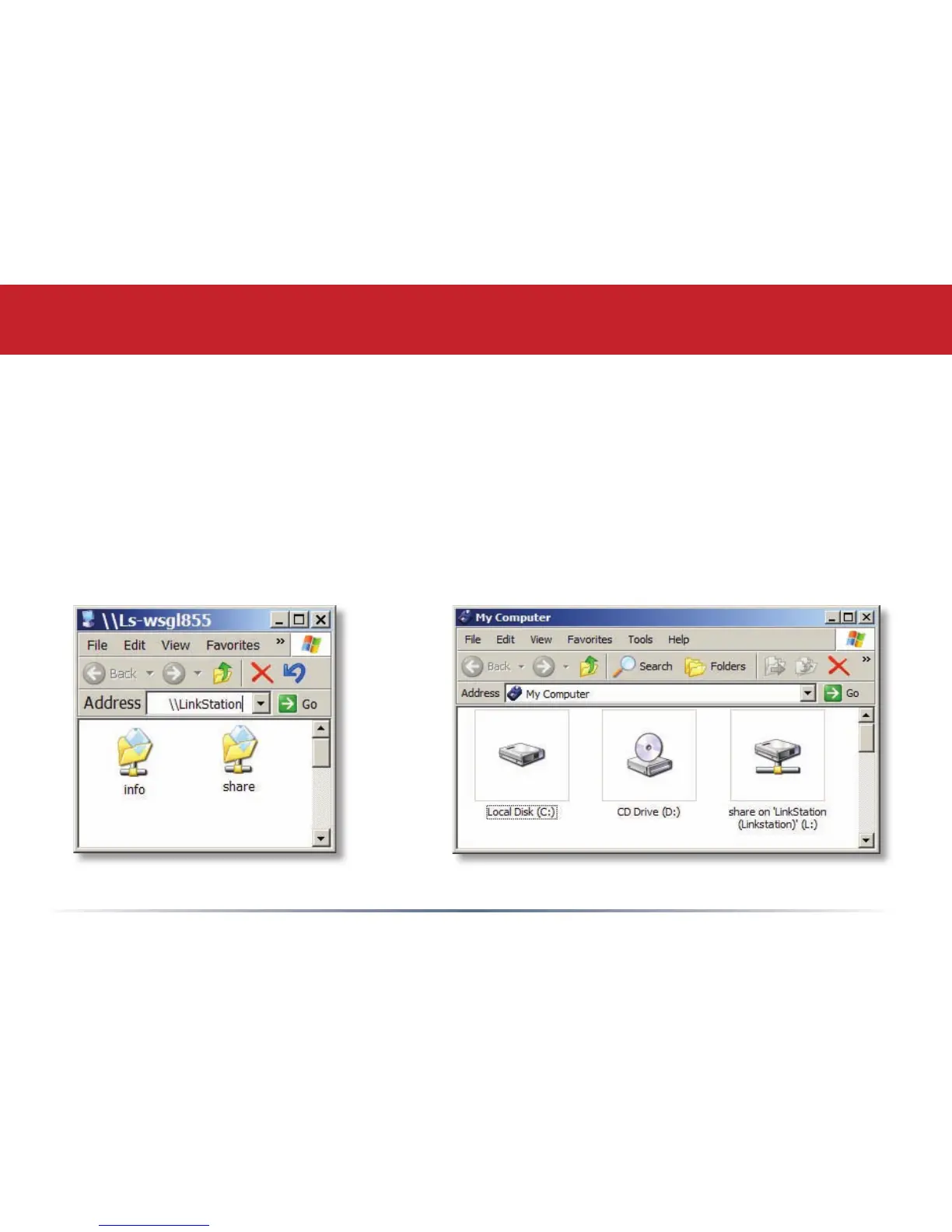
To Access LinkStation Data from a PC:
Your LinkStation uses “shares” (folders) to hold data. A share called “share” is already
congured on your LinkStation, and you can create additional shares using the Shared
Folders option. To start using your LinkStation, you can either click on the Shortcut for
LinkStation on your desktop, or you may just use drive L in My Computer, which setup has
mapped to the default share in your LinkStation.
Accessing LinkStation Data from your PC














 To Next Page