25
Advanced Settings
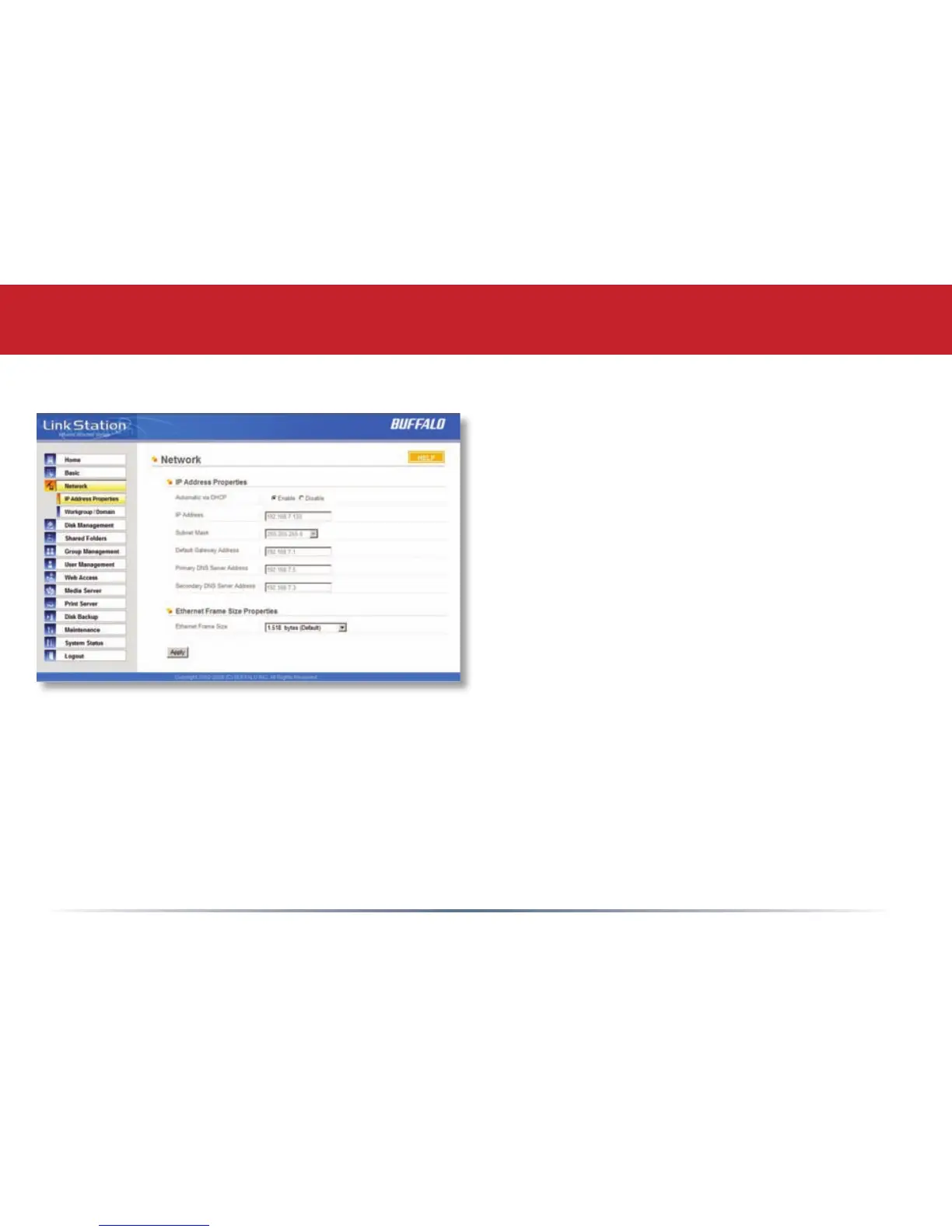
Network (IP Address Properties)
In most networks, LinkStation will get its IP
Address automatically from a DHCP server.
You may disable DHCP here if you would rather
set a static IP address manually. If DHCP is
disabled and an IP Address is not set manually,
it will default to 1
92.168.xxx.xxx with subnet
mask 255.255.0.0. The LinkStation’s IP
Address, Subnet Mask, Default Gateway
Address, and DNS Server address may all be
entered manually under IP Address Properties.
Ethernet Frame Size may also be set manually
on this page. Only use JumboFrame settings
when operating in a Gigabit environment where
all other clients support the same JumboFrame
setting.
Click Apply after making any changes.














 To Next Page