44
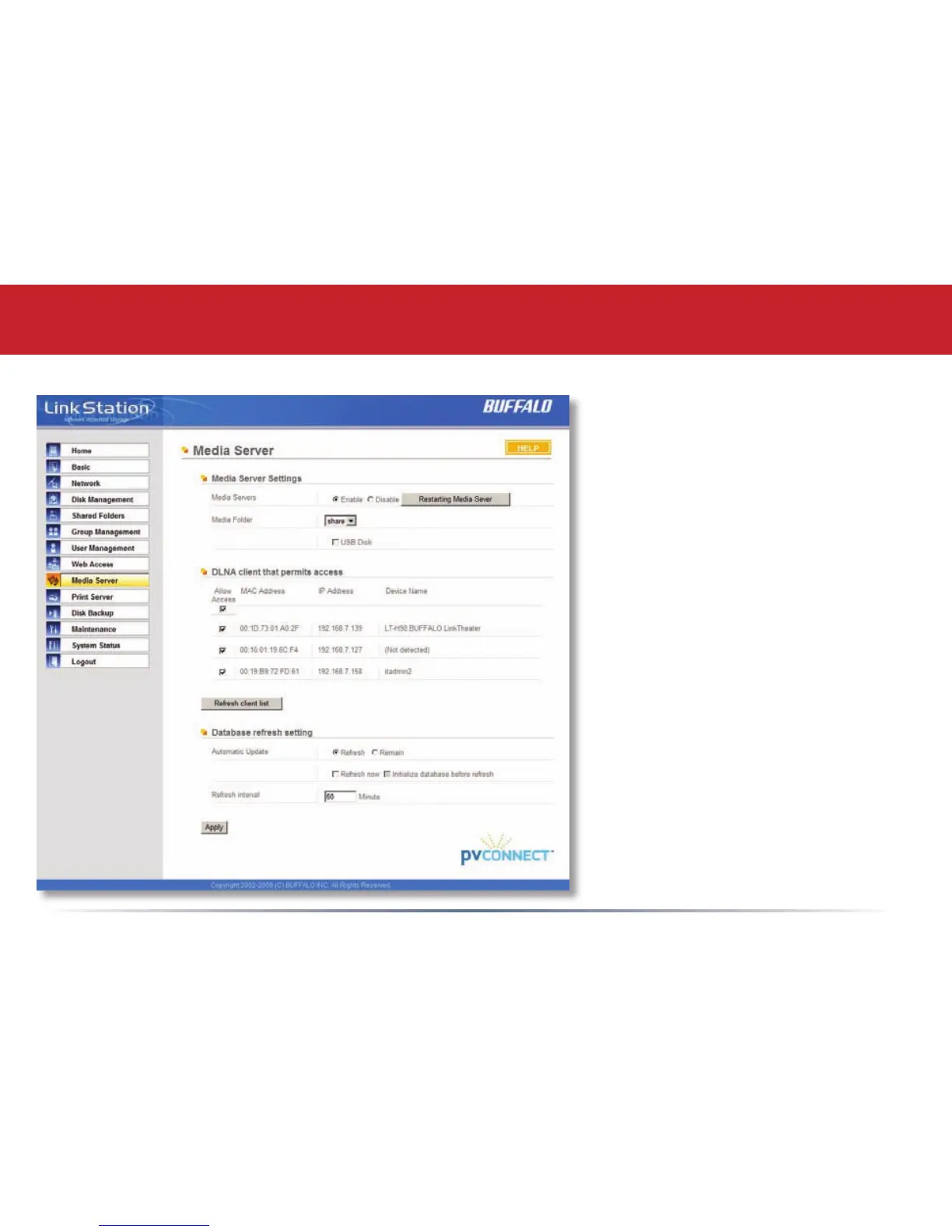
If you have a LinkTheater or other
DLNA compatible media player, this
page is where you congure your
LinkStation to work with it.
Choose Enable for Media Servers
and select the folder where your
media les are stored. This may
be located on a USB hard drive
connected to the LinkStation if the
USB Disk box is checked.
Check the Allow Access box for each
media player that you want to be
able to access your media les.
You may choose the interval at
which the list of multimedia les
on the LinkStation is updated.
An interval of 60 minutes is
recommended.
Conguring Media Server














 To Next Page