14
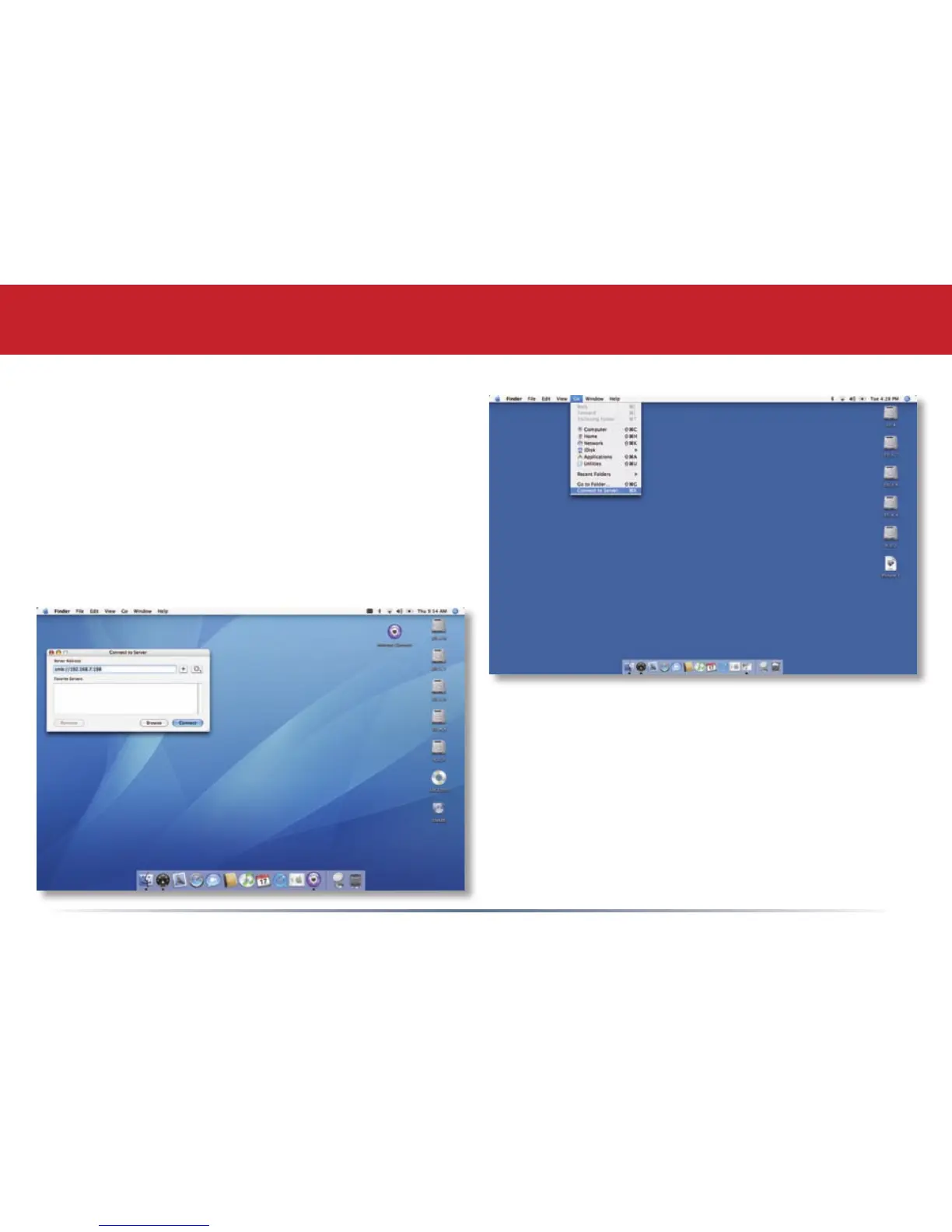
You can add a link to your LinkStation’s share
folder to your desktop by adding it to the Mac’s
server list. Begin by clicking Go, and then
choose Connect to Server.
Accessing LinkStation Data from a Mac
In the Server Address eld, enter your
LinkStation’s IP address in the form smb://
ipaddress (where “ipaddress” is your
LinkStation’s IP address), and click Connect.
You can get your LinkStation’s IP address from
the LS-ProDuoSettings.txt le on your desktop,
or see page 16.














 To Next Page