64
LinkStation Client Utility
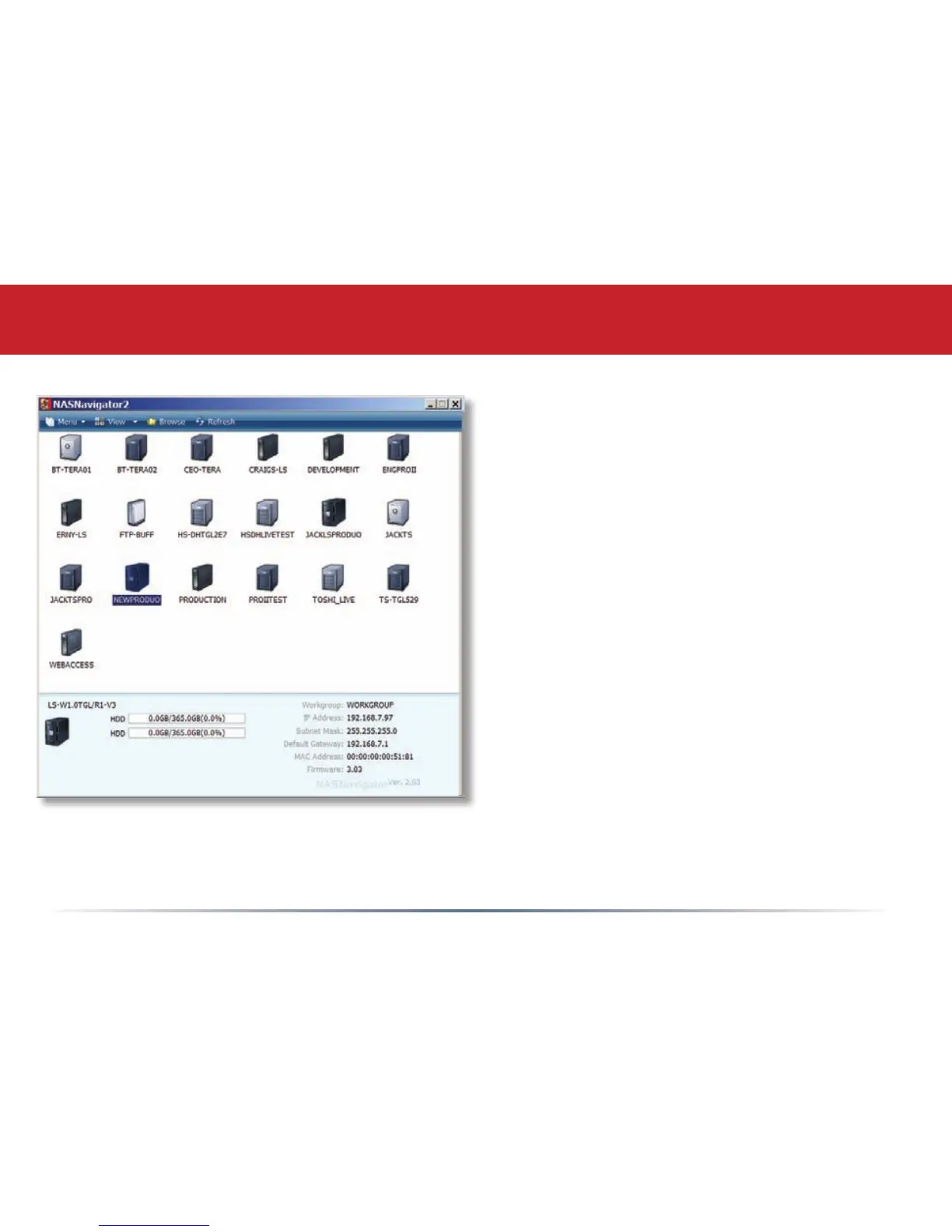
This is the Buffalo NAS Client Utility. Installed
on your PC, it allows you to access each of
the LinkStations (and TeraStations) on your
network. Click View to get icons for each of
your LinkStations. Highlight each tab to show
the Host Name, Workgroup, IP Address, and
Subnet Mask, Gateway, and MAC Address
of the associated LinkStation, as well as the
rmware version it’s running.
Right-click on a LinkStation for more options.
You can open the Web Admin GUI, map a share
to a drive letter, or create a shortcut on your
desktop.
To change a LinkStation’s IP Address, click
Menu and choose Properties.














 To Next Page