39
Advanced Settings
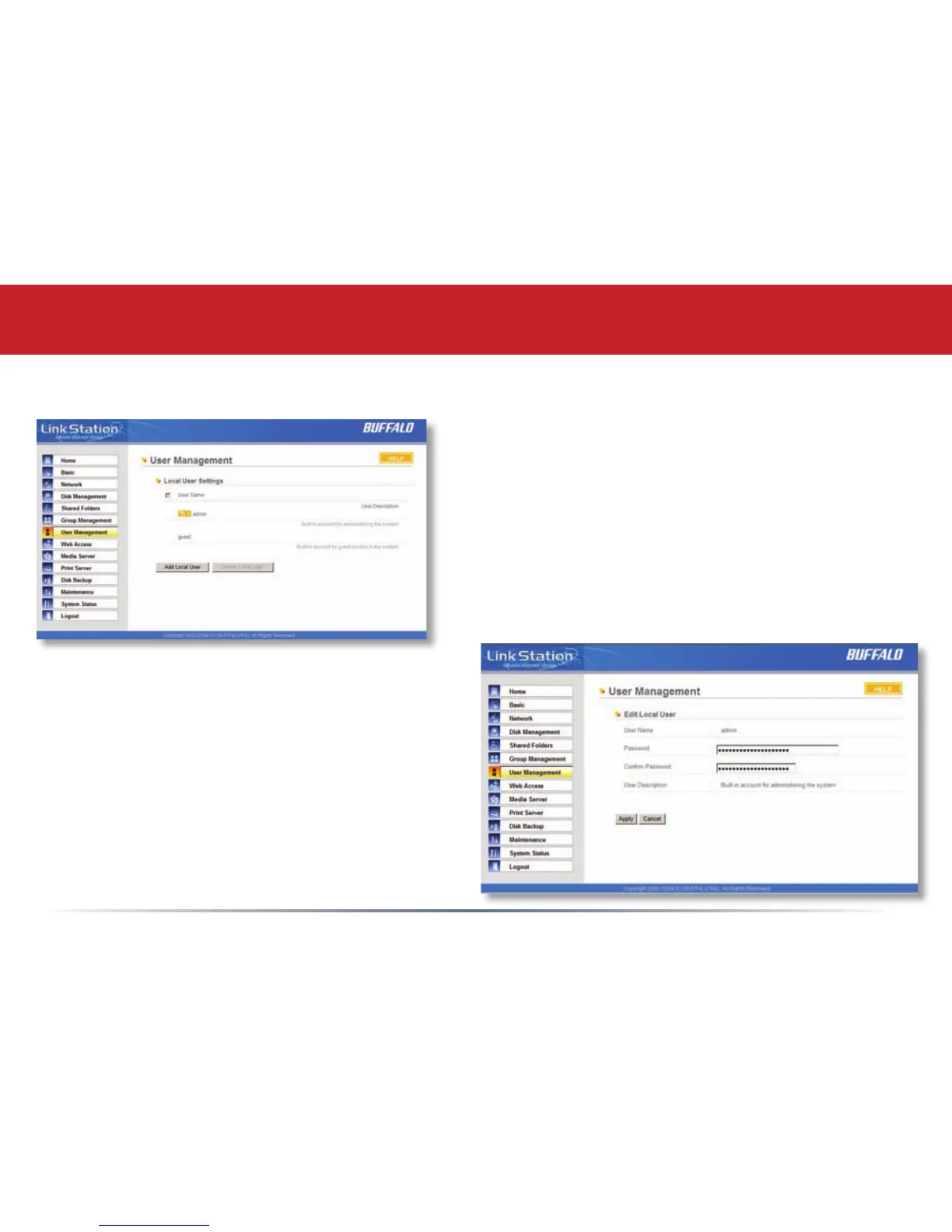
User Management (changing passwords)
To change an account’s password, click on the
name of the account under Local User Settings.
Note: if a user name and password are used to
log into a user’s windows computer or domain,
the same user name and password should be
used when creating the user’s account on the
LinkStation, or problems accessing shared
folders may occur.
Enter the desired new password in both boxes
and click Apply.














 To Next Page