21
Advanced Settings
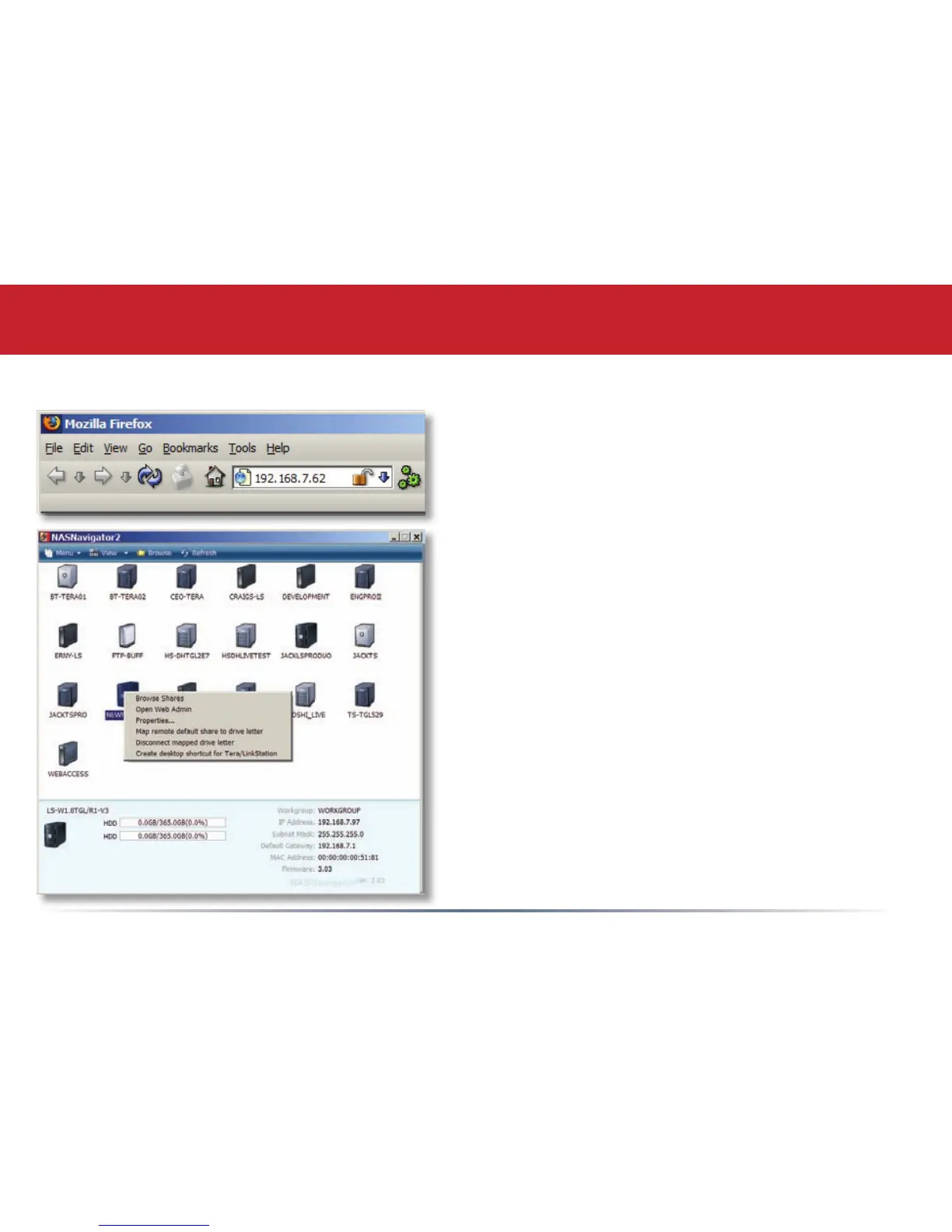
The Conguration GUI may be accessed at any time
by typing the IP address of your LinkStation into
the URL bar of a browser running on a computer
connected to the same network as the LinkStation.
You may also open the Conguration GUI from NAS
Navigator by right-clicking on your LinkStation and
choosing Open Web Admin from the menu.
The Conguration GUI














 To Next Page