13
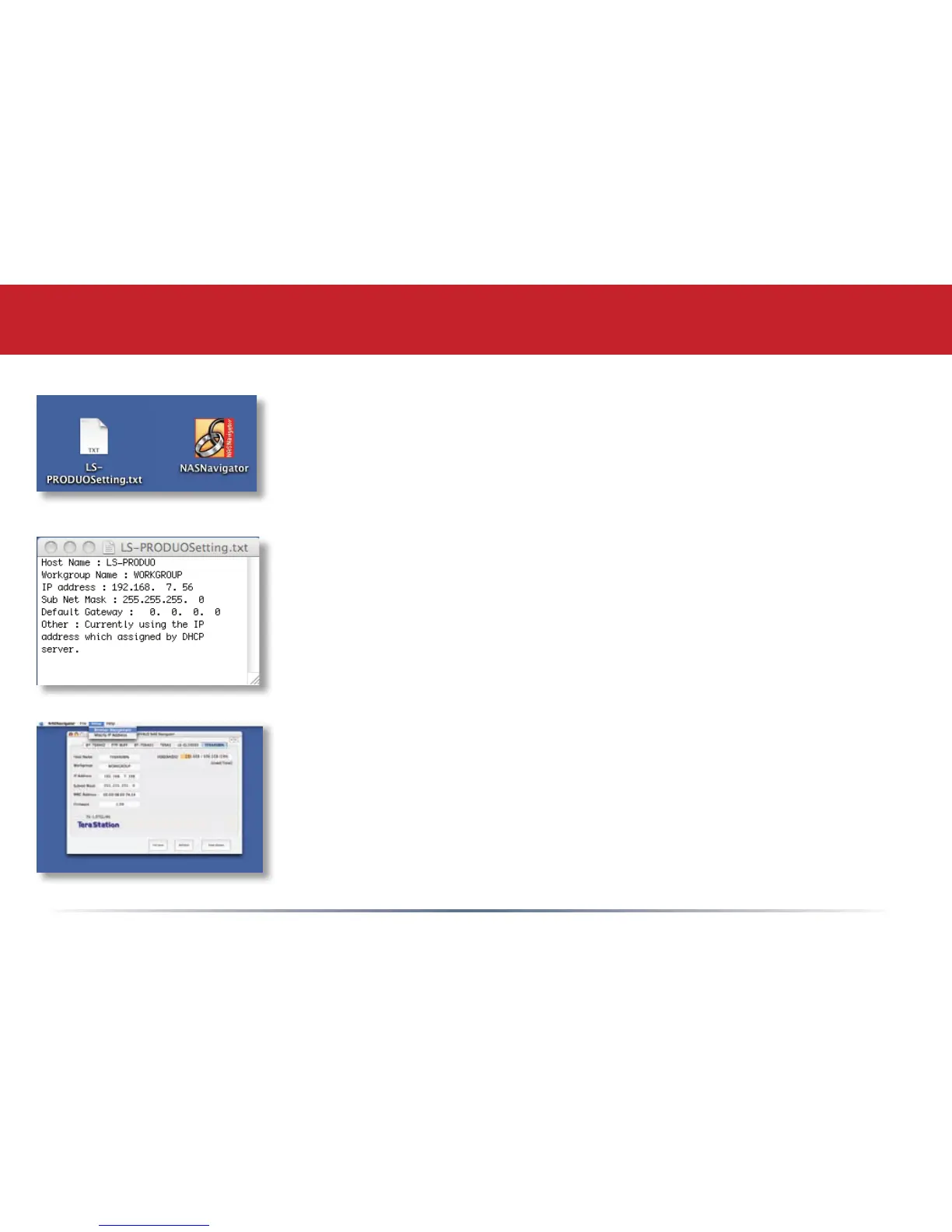
After installing the LinkNavigator software, your Mac will have two
new icons on the desktop.
The LS-ProDuoSettings.txt le contains the IP address of your
LinkStation. NAS Navigator is the LinkStation’s client utility.
With the information in the LS-ProDuoSettings.txt le, you can easily
connect to the LinkStation from any of your computers on your local
network.
The NAS Navigator icon opens the LinkStation’s client utility. See
page 64 for more on using the NAS Navigator client utility.
Using your LinkStation with a Mac™














 To Next Page