56
Advanced Settings
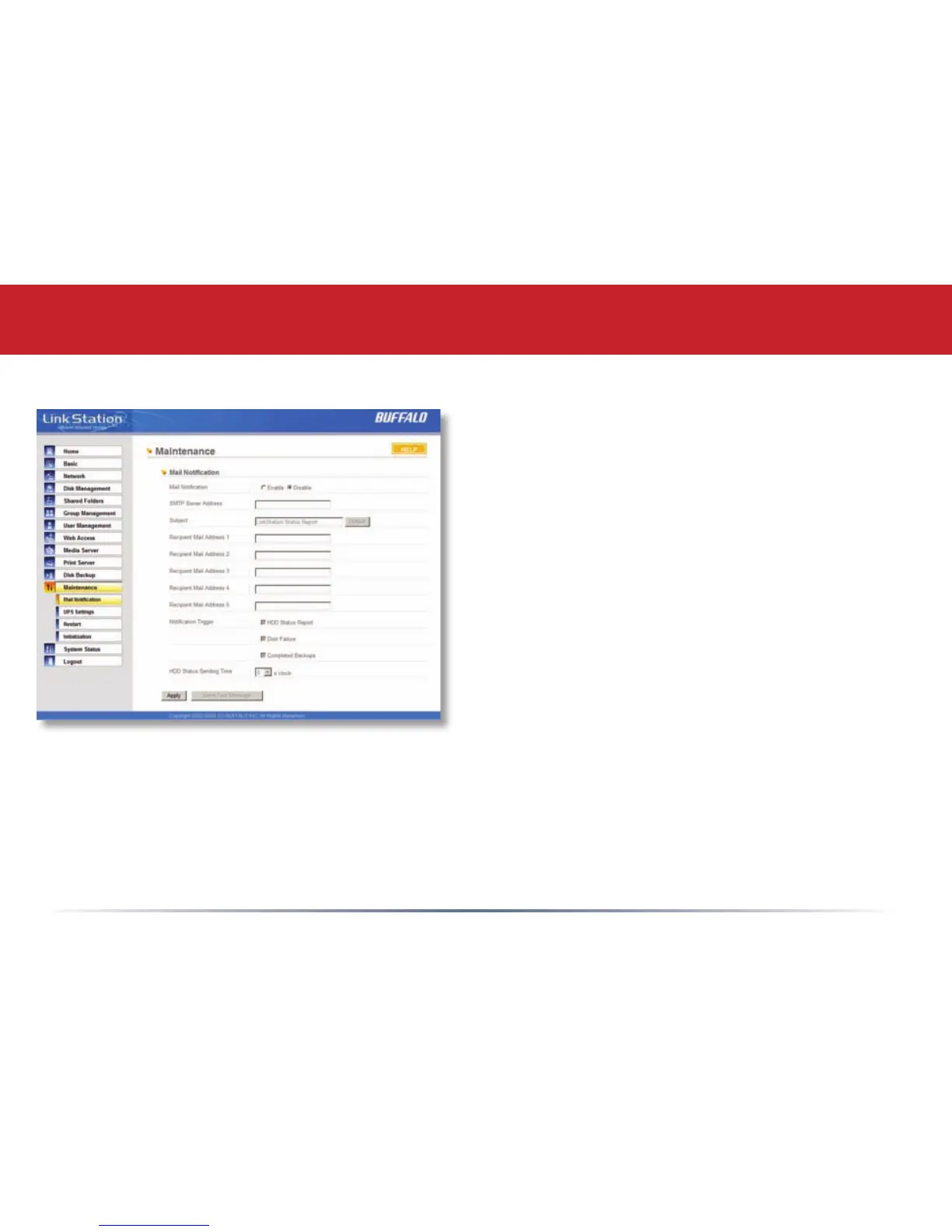
Maintenance (Notication)
If your LinkStation is remotely managed, you
may choose to receive nightly status reports
and be notied of any disk events by email.
To set this up, enable Mail Notication and
enter the IP Address of your SMTP server*
in the SMTP Server Address eld. Select a
Subject line for the emails (i.e. “LinkStation
Status Report”) and enter the email address of
each person you want to receive notication
emails into a Recipient Mail Address eld.
* SMTP server must be an open type server. Currently, there’s no provision for entering a
username or password.














 To Next Page