37
Advanced Settings
Group Management
Groups allow for easier management of permissions
in some networks, specically networks with a lot of
users in different departments.
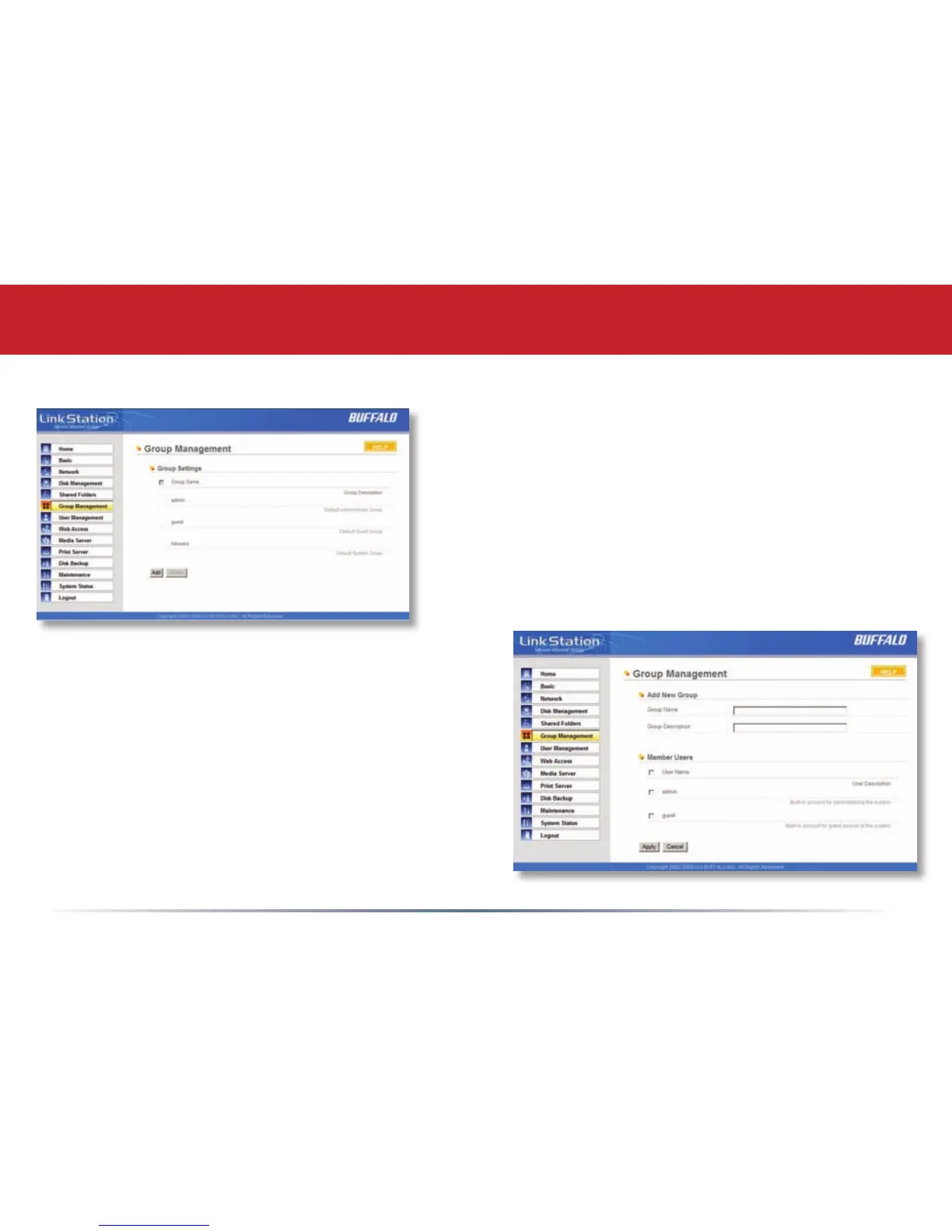
To Delete a group, put a check next to its name and
click Delete. To add a group to your LinkStation,
click Add.
Add a name and a description to the Add New
Group elds. Put checks next to each Member User
that you want to be part of the group. Click Apply
when your group is set up the way you want it.
Active Directory and Domain Groups are only
visible if the LinkStation is participating in an
Active Directory or Domain network.
Members can be added or removed from a group
at any time by editing the group. This is done by
clicking on the Group name on the main Group
Settings page.














 To Next Page