36
Advanced Settings
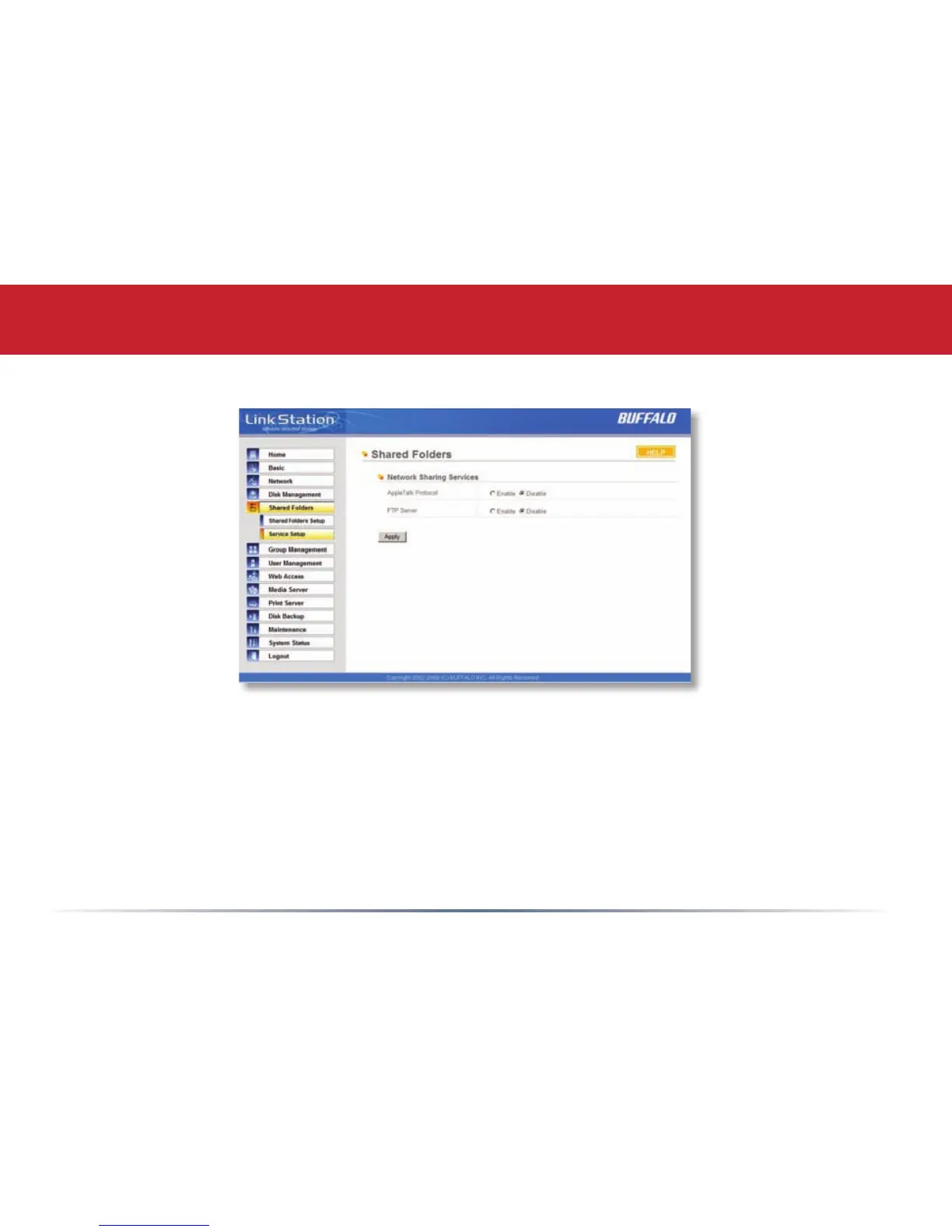
Shared Folders (Service Setup)
To allow FTP Access to your LinkStation, choose Enable for FTP Server. To enable legacy
AppleTalk support, choose Enable for AppleTalk Protocol.
FTP Server Info: Enabling the FTP Server will allow users to connect to shares via FTP protocol.
Their username and password is used for their login credentials, and they will only have access to
shares that have read-only or writeable access to on the LinkStation. The network administrator
of your network may need to enable trafc on port 21 to the LinkStation for FTP to work over the
Internet. Enabling FTP is not recommended unless you’ve congured access restrictions.
Click the Apply button to save your settings.














 To Next Page