60
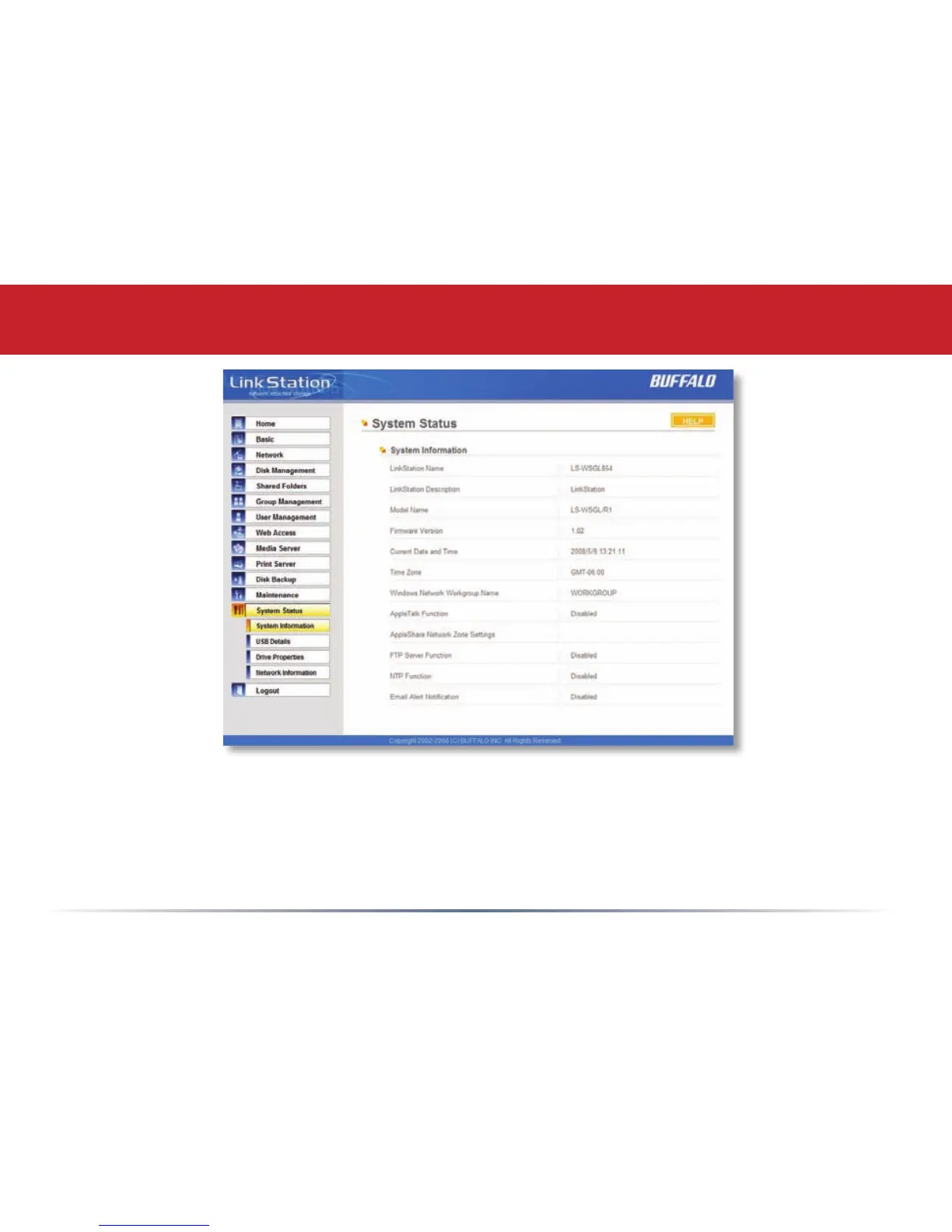
System Status (System Information)
This page shows you the System Information for your LinkStation.
Firmware updates are occasionally available from www.buffalotech.com for the LinkStation Mini.
These must be executed from a Windows PC on the same network. Your router, switch, or hub
should pass through ports 8873 and 22939 for this to work (most do).














 To Next Page